AI Video Prompting — Part 1: Camera & Actions
Series: Mastering Video Prompting (3 parts)
Author: François Amat — Date: March 16, 2026
Platform: ElevenLabs Image & Video
Model: Seedance 1.5 Pro (keyframe-to-keyframe)
Introduction — Video Prompting, a New Language
AI video generation has taken a spectacular leap forward. Today, platforms like ElevenLabs, Runway, and Google Veo let you create video clips from simple text descriptions. But unlike image generation, video prompting requires a fine understanding of three simultaneous dimensions: camera movement, in-scene action, and visual atmosphere.
AI video generation isn't just about writing "make me a video." Video prompting is a directing language: every word in the prompt controls a specific aspect of the result.
This 3-part guide is the result of systematically testing 34 prompts on ElevenLabs with Seedance 1.5 Pro. For each technique:
- The keyframes for start and end (Start Frame / End Frame)
- The exact motion prompt used
- The resulting video generated by the model
📖 In this series:
How Does Keyframe-to-Keyframe Work?
┌──────────────┐     ┌──────────────────┐     ┌──────────────┐
│  START FRAME │ ──▶ │  MOTION PROMPT   │ ──▶ │  END FRAME   │
│  (Image A)   │     │  (Instructions)  │     │  (Image B)   │
└──────────────┘     └──────────────────┘     └──────────────┘
The model interpolates between two images following the motion prompt instructions. A prompt always follows the same structure:
[CAMERA MOVEMENT], [SUBJECT ACTION], [ATMOSPHERE], [SPEED]
The Test Scene
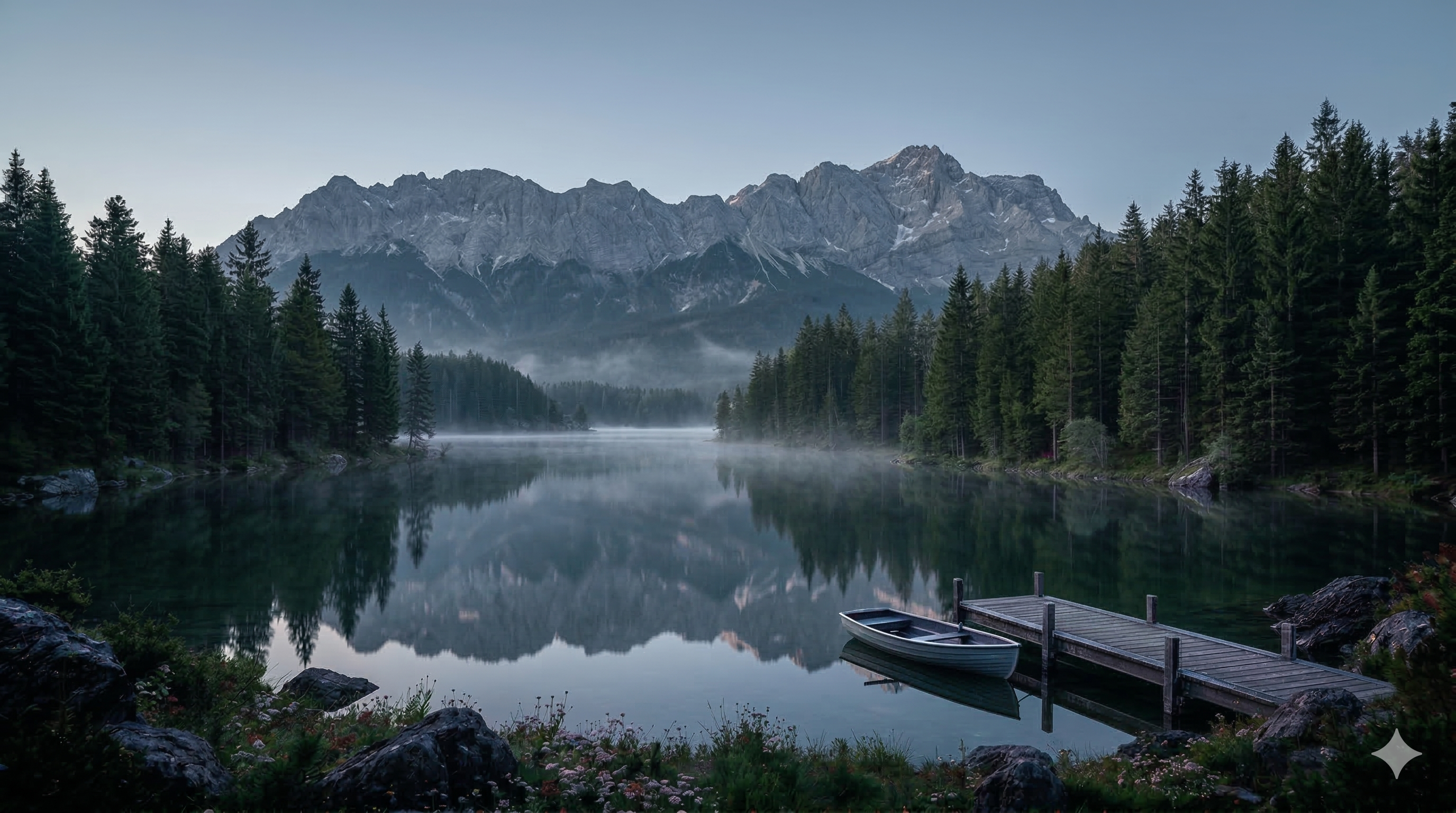
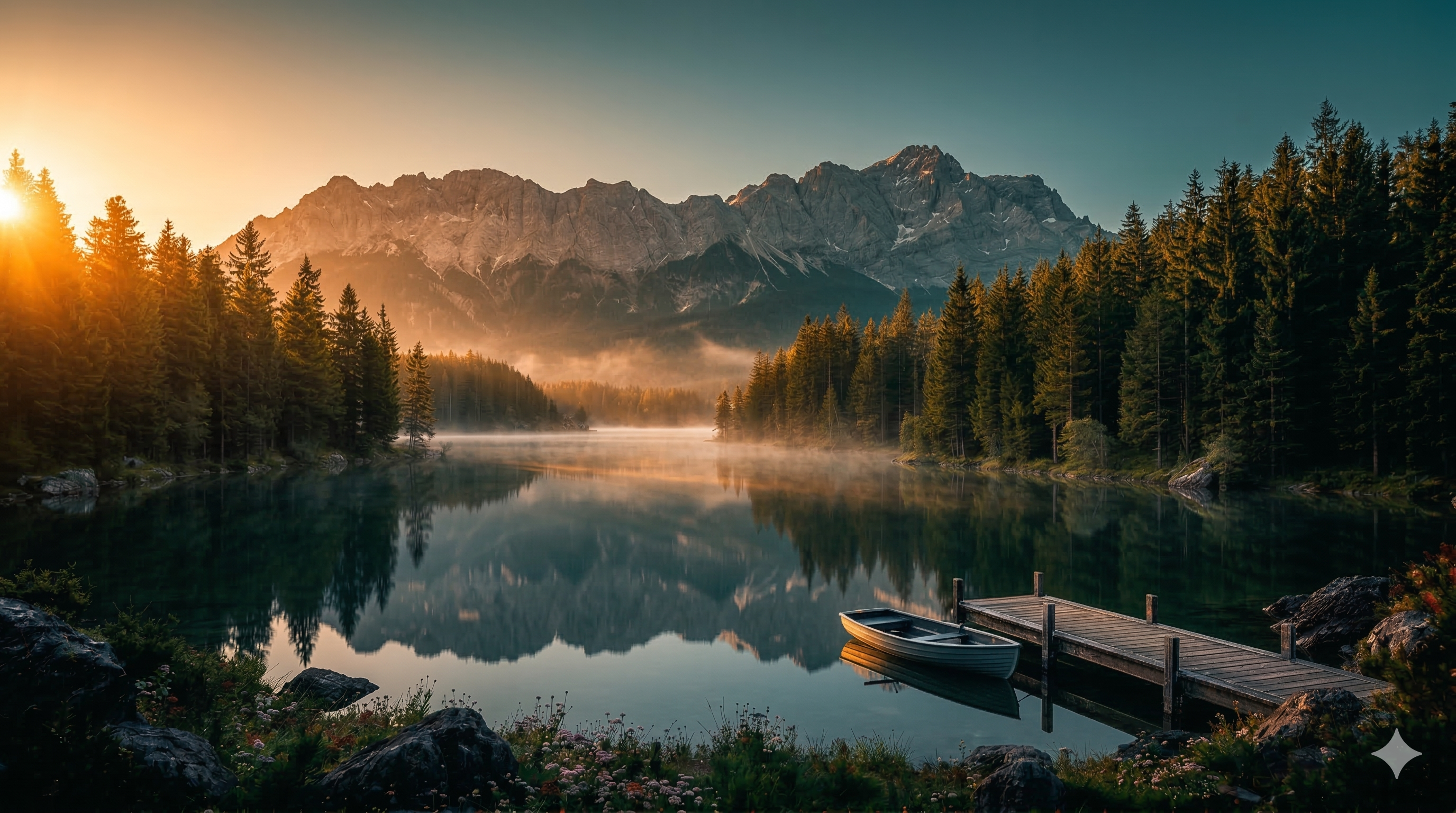
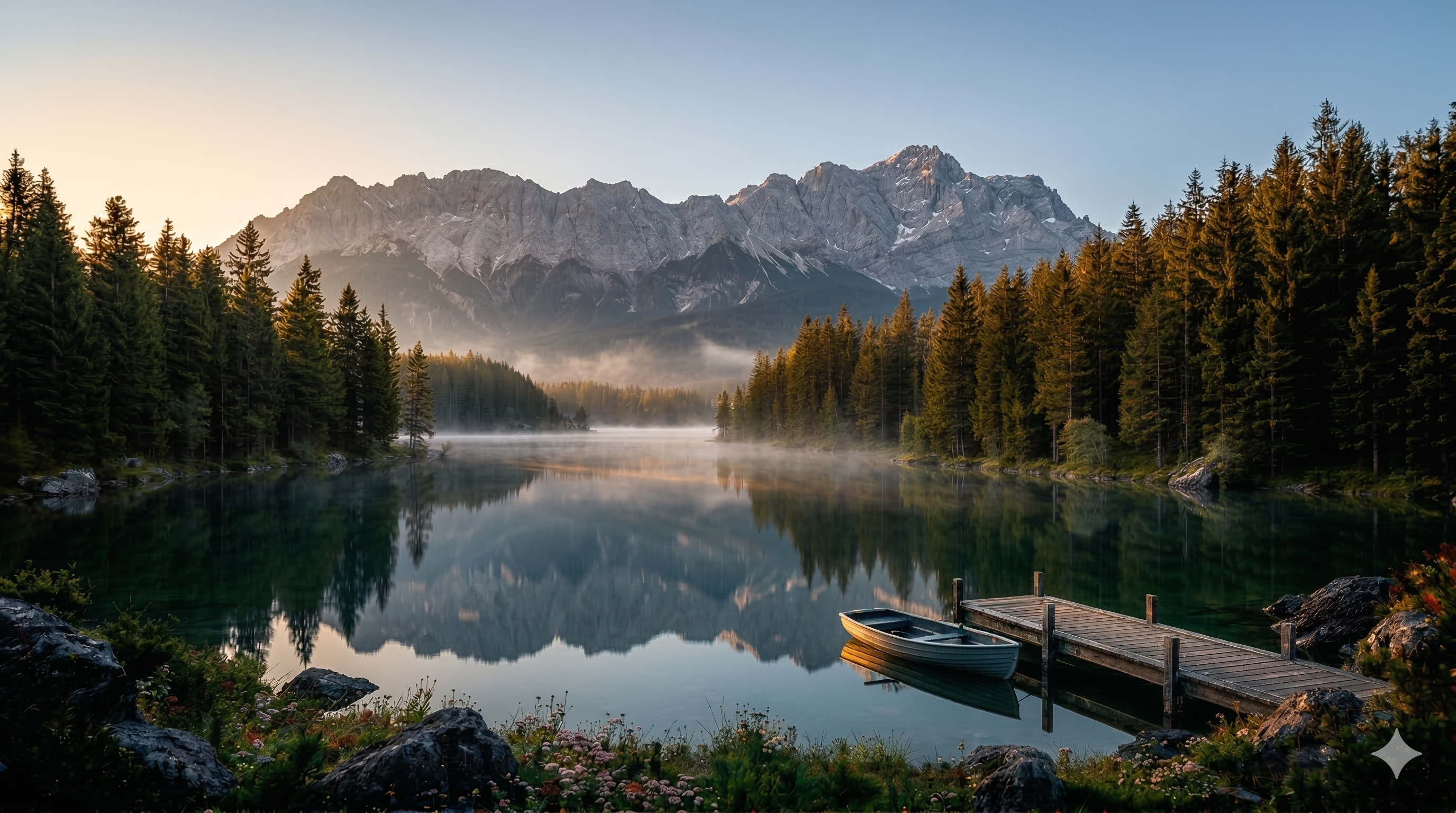
To isolate the effect of each command, all tests use the same base scene: a mountain lake at dawn with mist, pine trees and golden light. Only the tested parameter changes each time.
| 🖼️ Source Image (Gemini) | 🖼️ Variant |
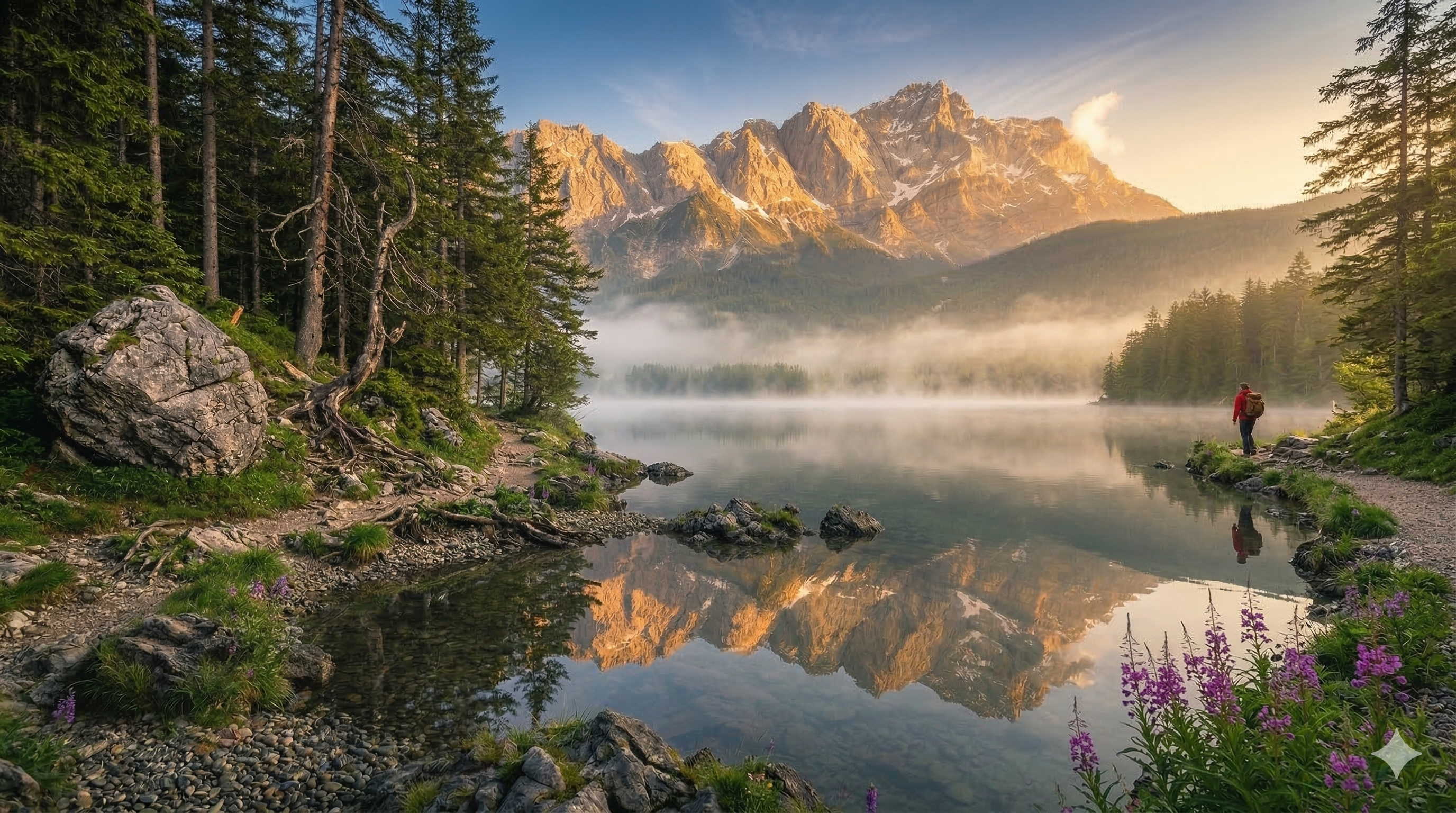 | 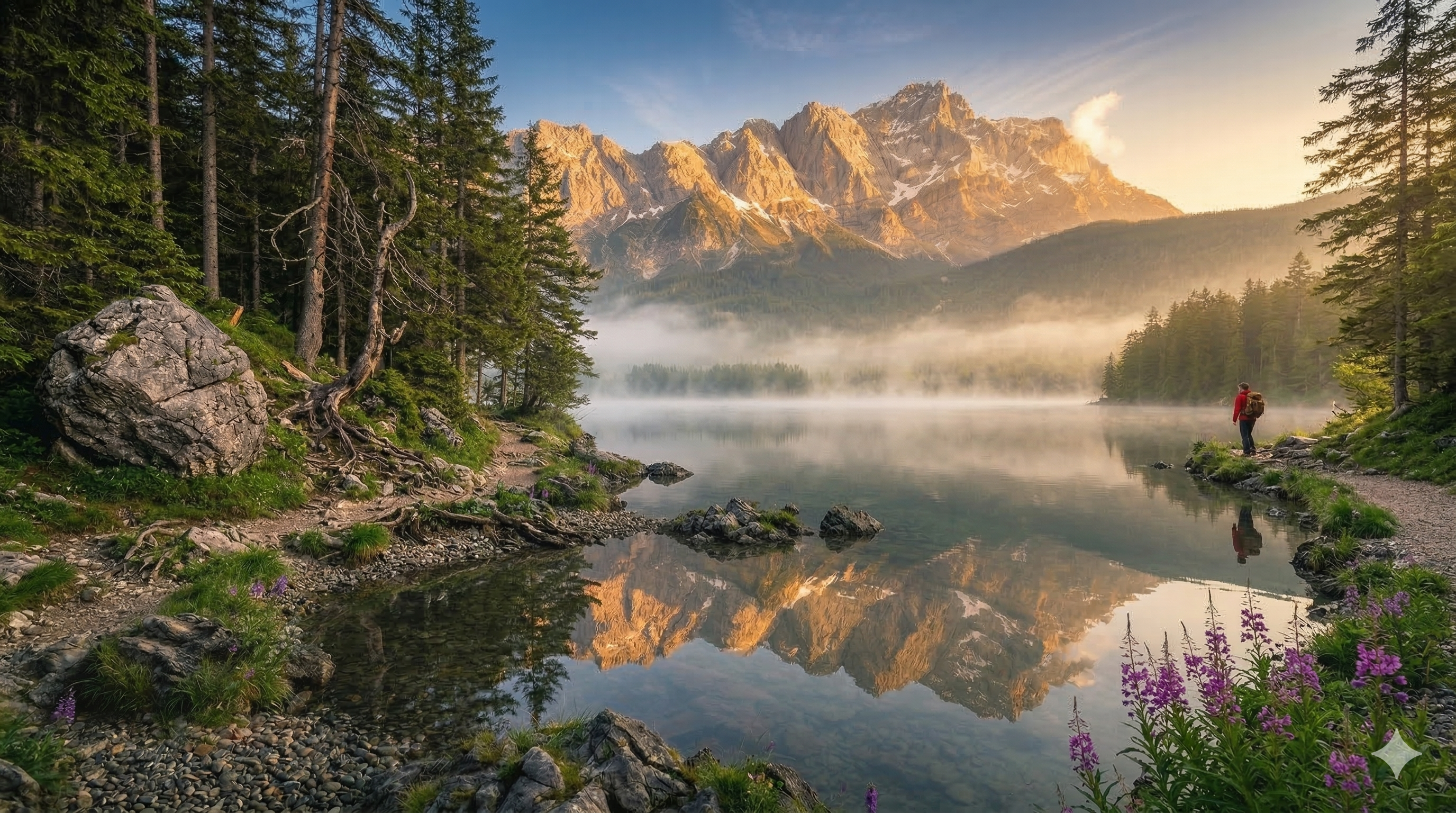 |
Camera Movements 🎥
Camera terms control the viewpoint displacement between the two keyframes. This is the foundation of every video clip.
Golden rule: One camera movement per clip. Combining two = guaranteed artifacts.
☝️ Overview of camera movements on the lake scene
1. slow push in (Slow Zoom In)
Effect: The camera gradually advances toward the subject. The frame tightens, the background moves away through parallax. Creates a feeling of intimacy and focus.
When to use: Emotional transitions, close-up on a detail, intimate revelation moments.
Motion Prompt:
slow push in, mist gently moves across the lake surface, smooth motion, cinematic
| Start Frame | End Frame |
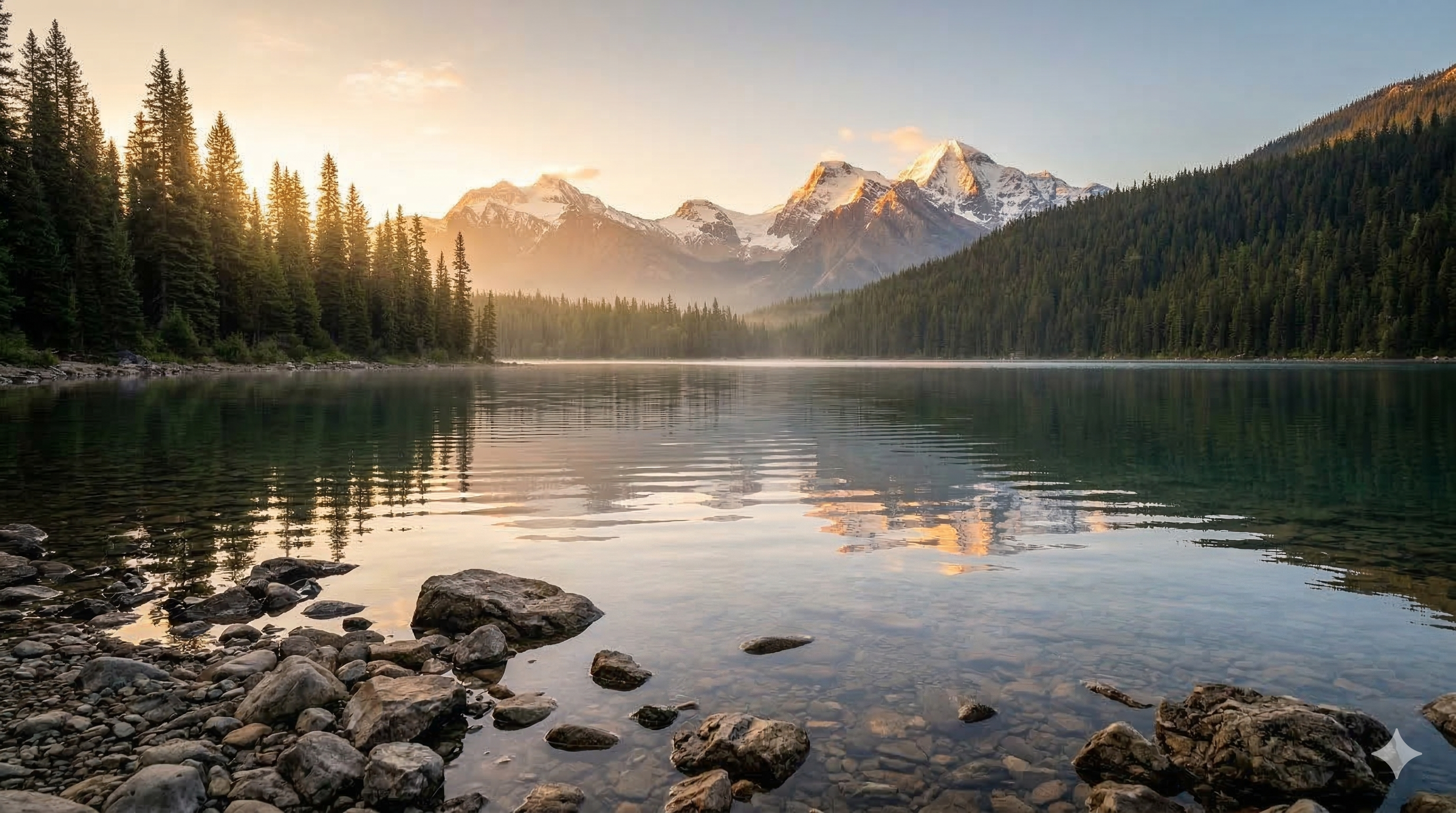 | 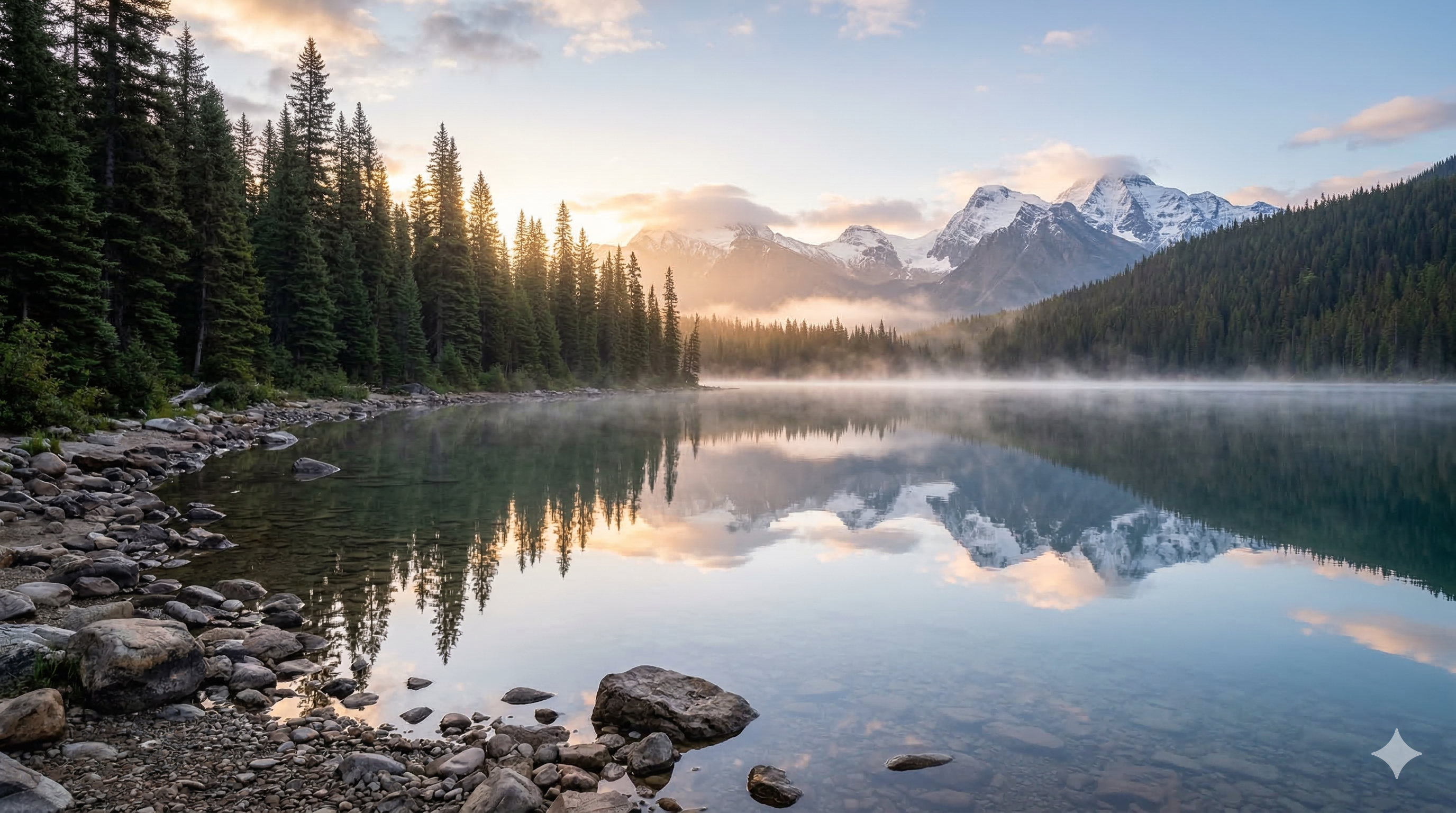 |
2. slow pull back (Slow Zoom Out)
Effect: The camera slowly pulls back, progressively revealing the spatial context around the subject. Creates a "reveal" effect — we discover where the scene takes place.
When to use: End of sequence, spatial reveal, transition from detail to full landscape.
Motion Prompt:
slow pull back, mist gently moves across the lake surface, smooth motion, cinematic
| Start Frame | End Frame |
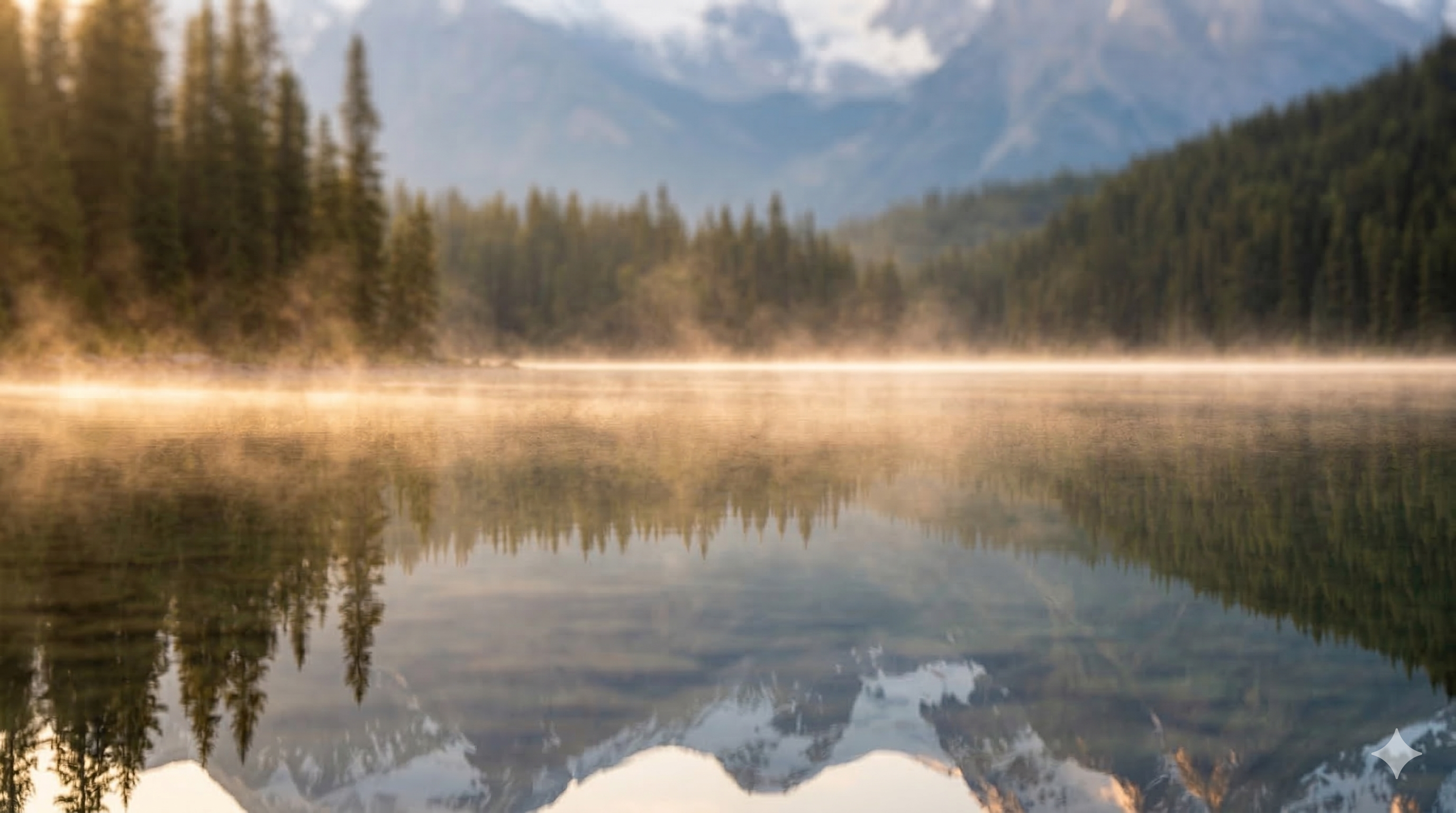 | 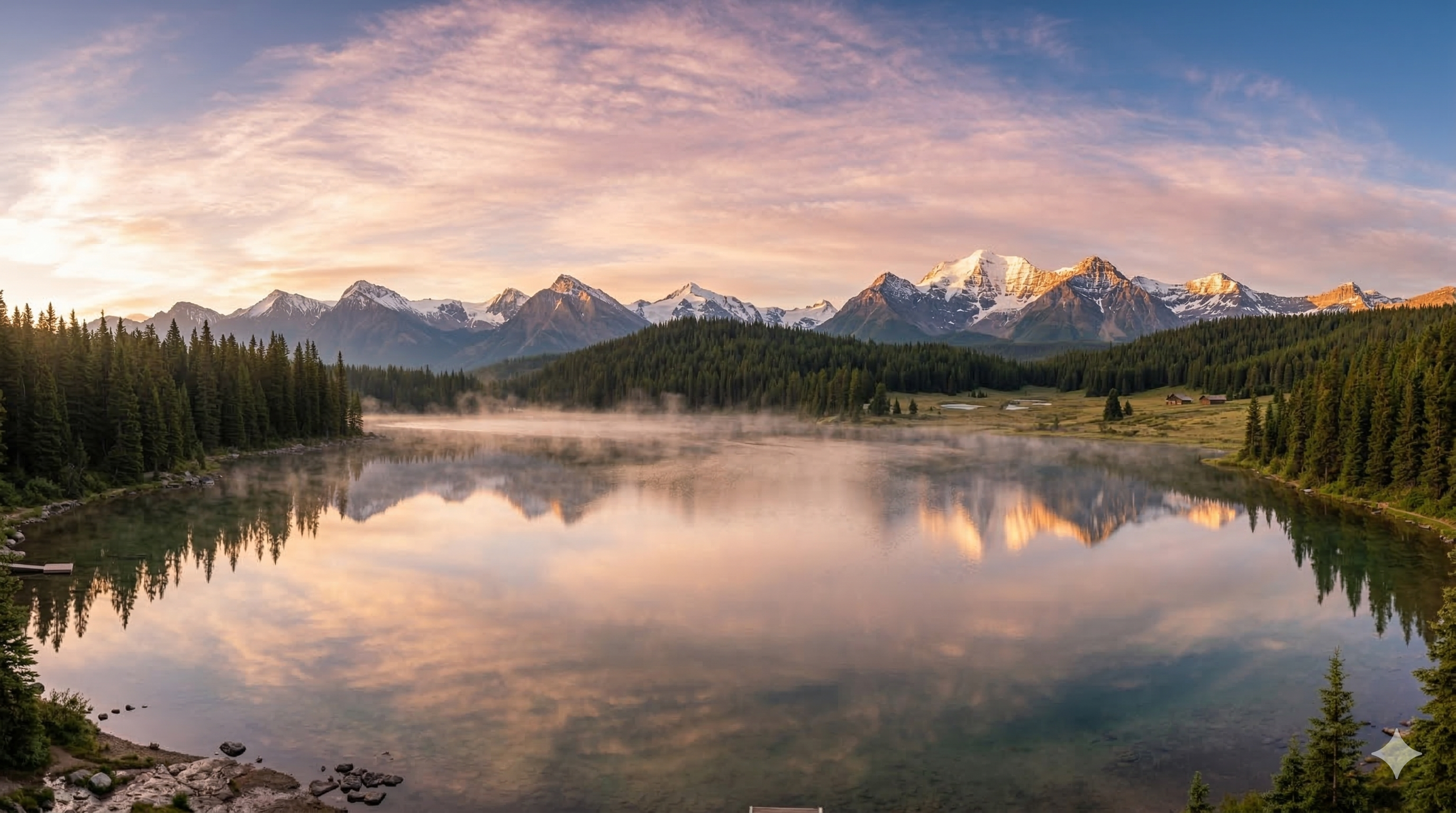 |
3. static camera (Fixed Camera)
Effect: No camera movement. The frame is locked. Only scene elements change — water, mist, light. Isolates the change.
When to use: When the viewer needs to focus on what moves in the scene. Ideal for morphing and light transitions.
Motion Prompt:
static camera, mist gently moves across the lake surface, smooth motion, cinematic
| Start Frame | End Frame |
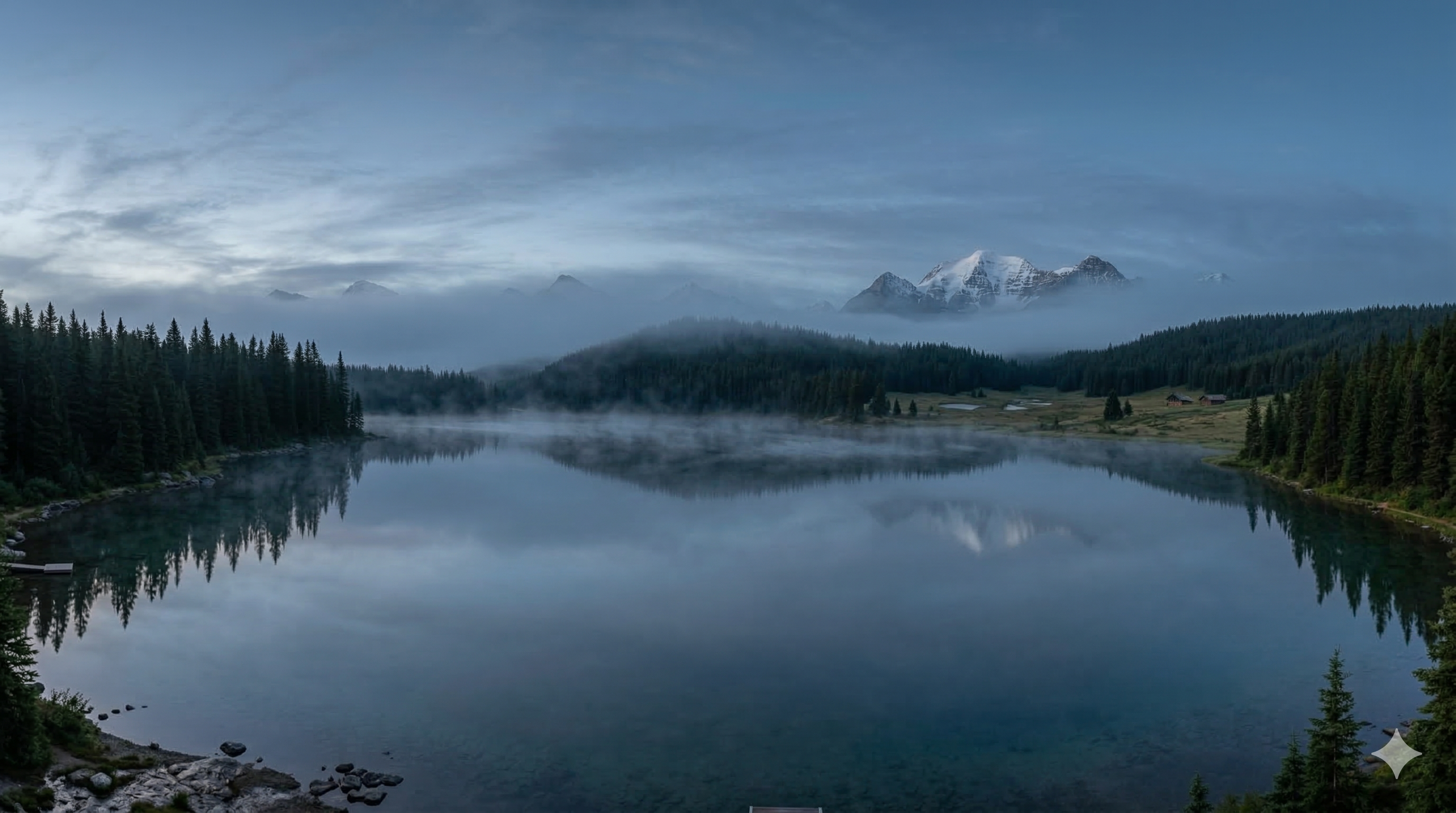 | 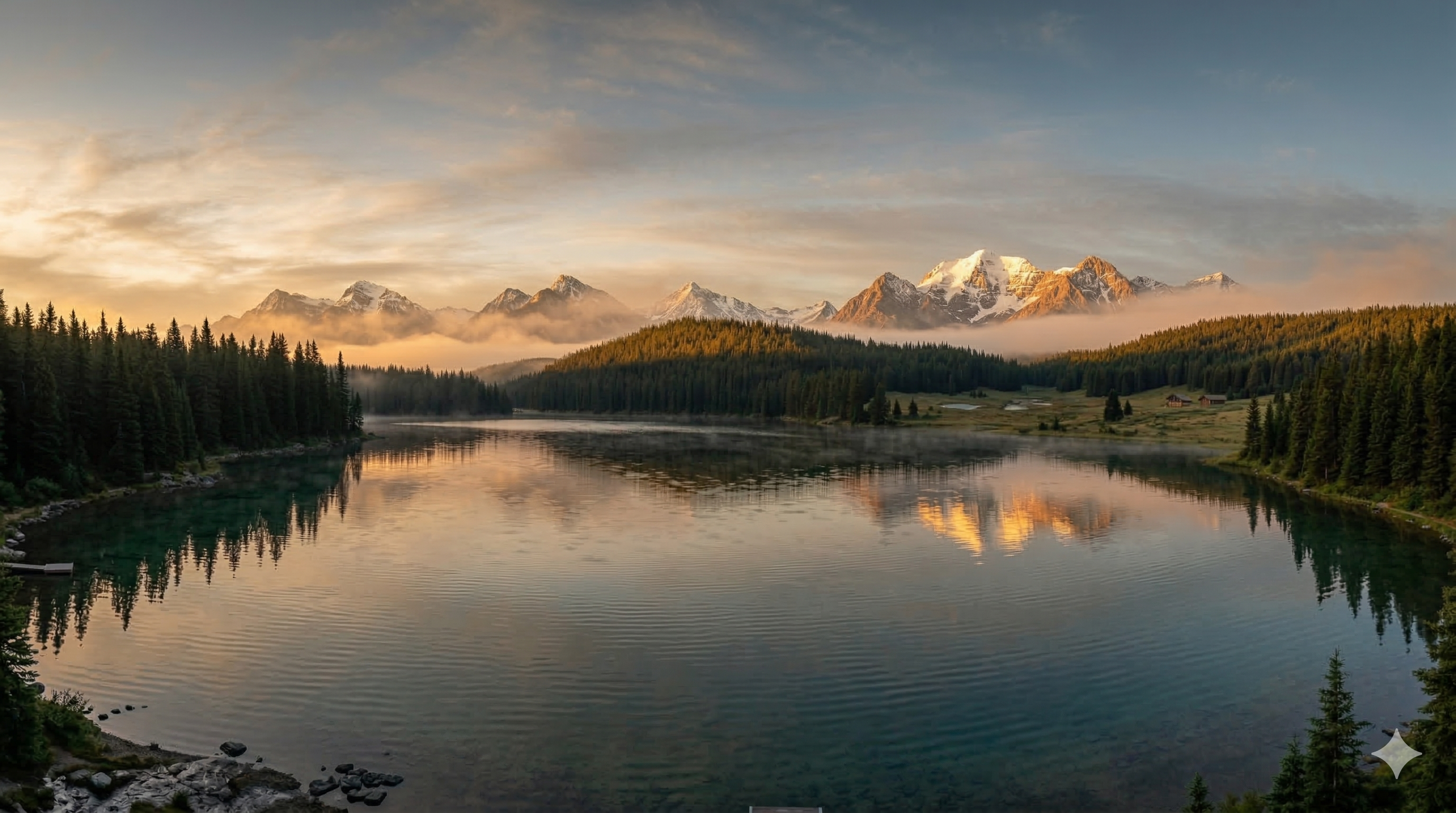 |
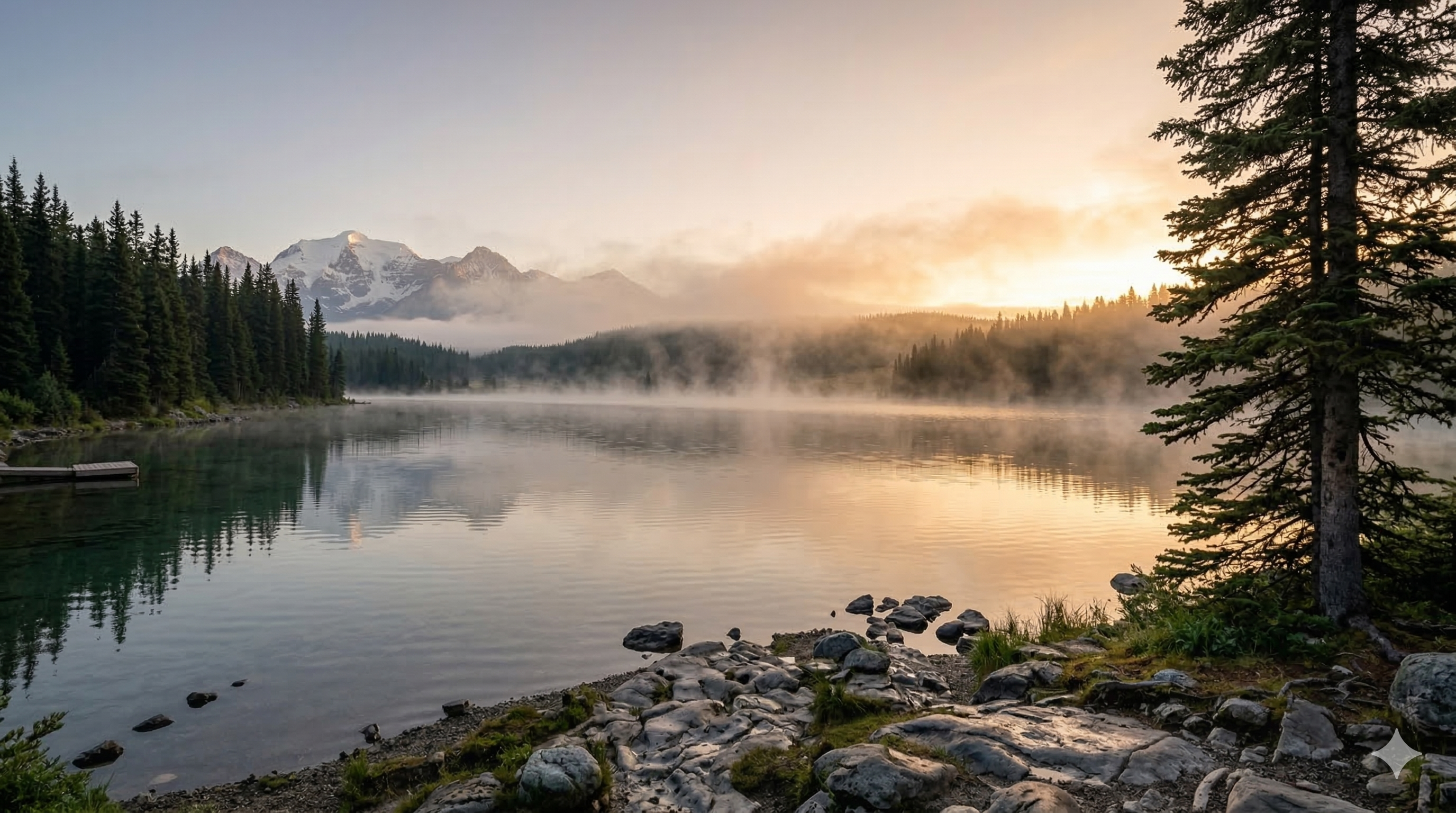
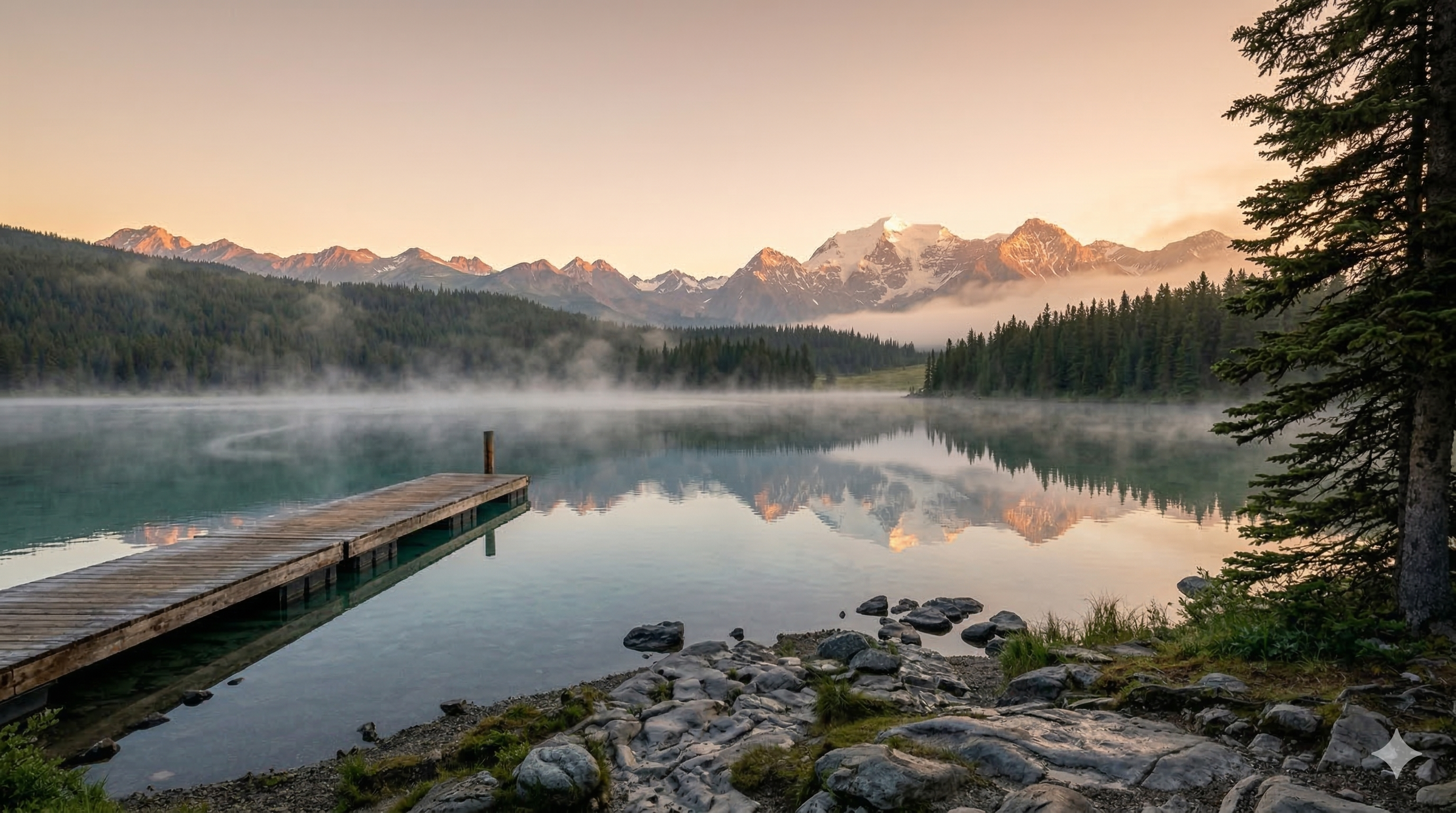
4. dolly left (Left Tracking Shot)
Effect: The camera slides horizontally to the left, creating parallax scrolling: closer objects move faster than distant ones. Adds depth.
When to use: Panoramas, transitions between adjacent elements, lateral subject tracking.
Motion Prompt:
dolly left, mist gently moves across the lake surface, smooth motion, cinematic
| Start Frame | End Frame |
 |  |
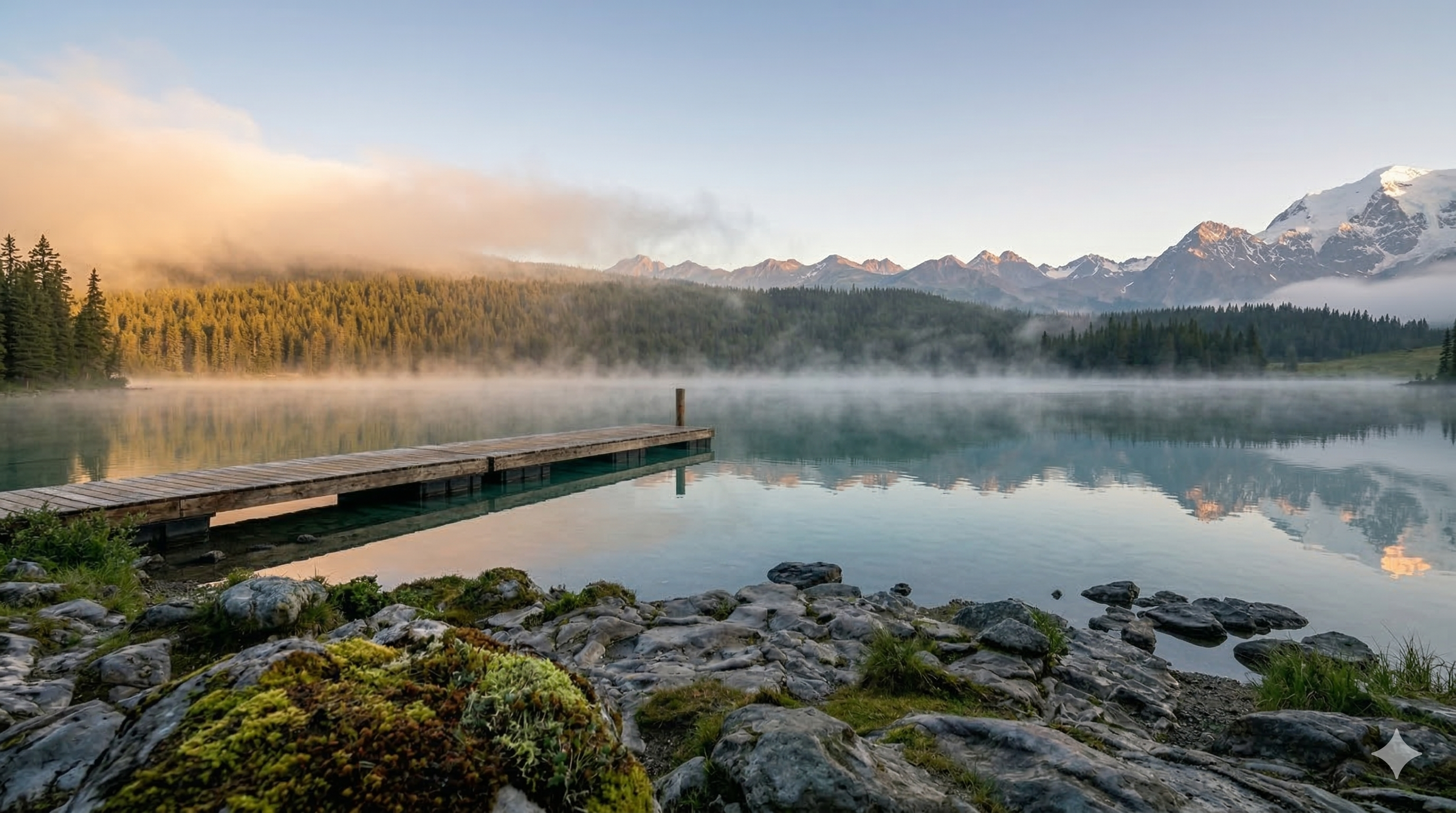
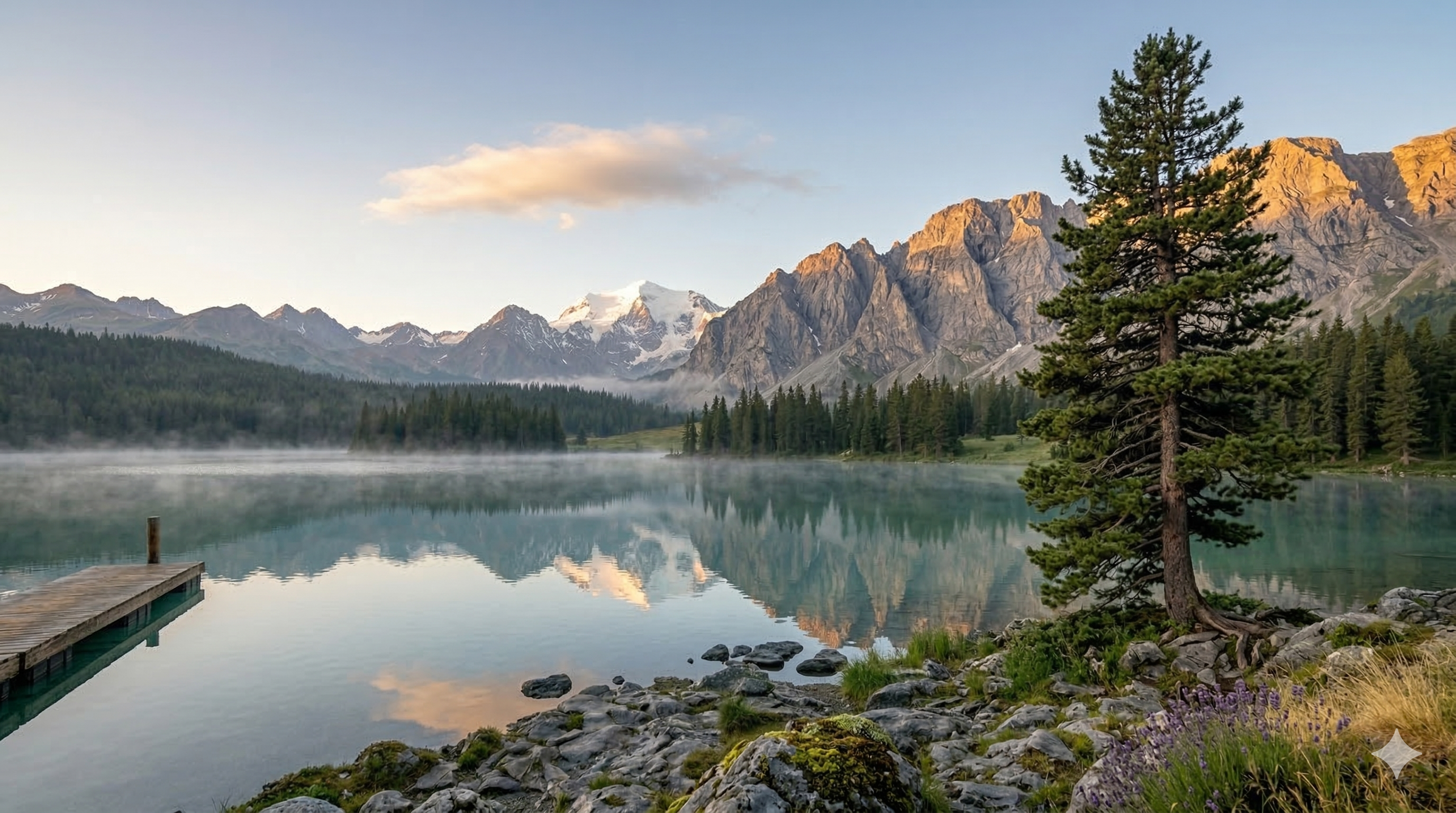
5. dolly right (Right Tracking Shot)
Effect: Same mechanics as dolly left, opposite direction. The camera slides to the right.
Motion Prompt:
dolly right, mist gently moves across the lake surface, smooth motion, cinematic
| Start Frame | End Frame |
 |  |
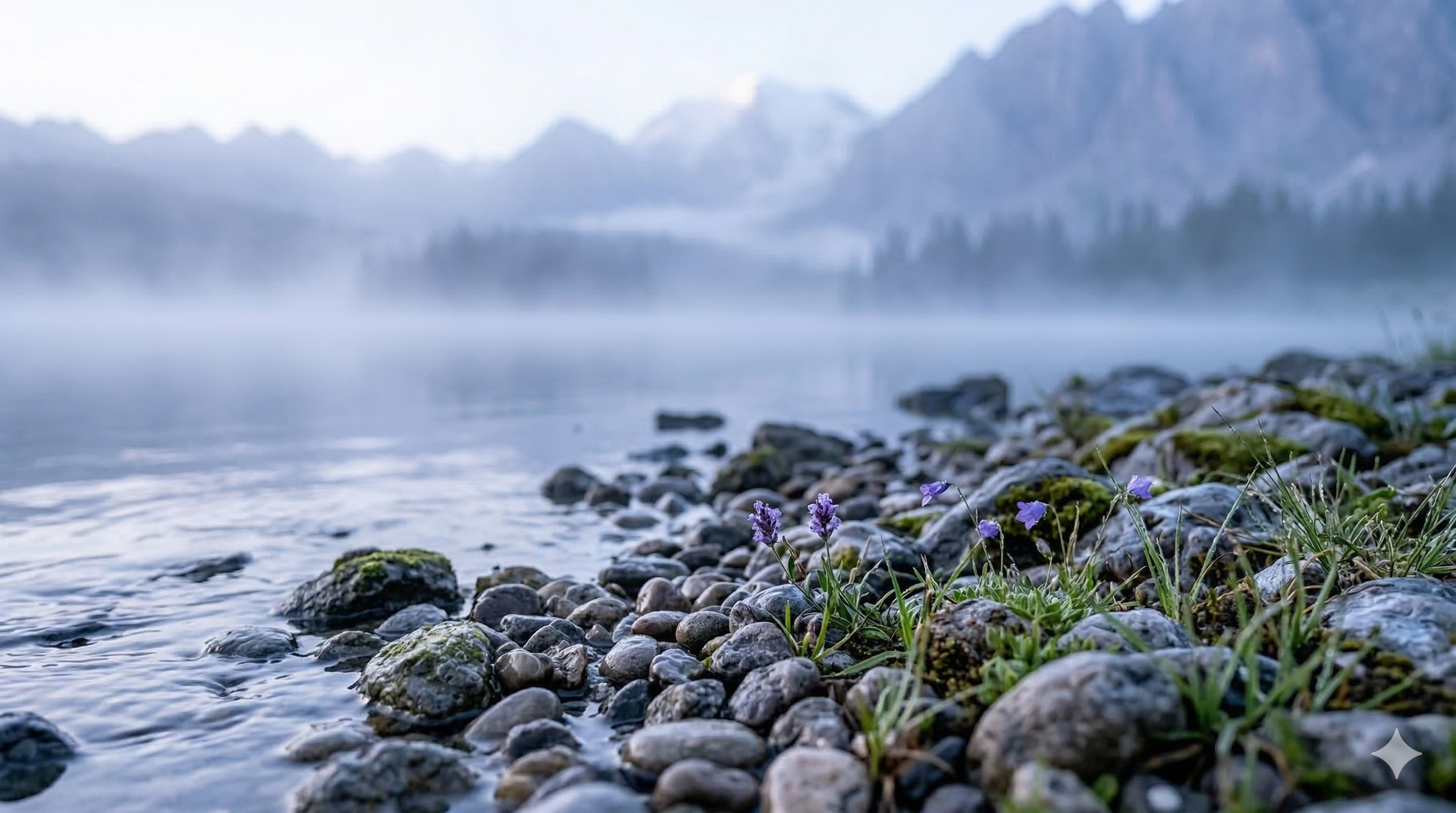
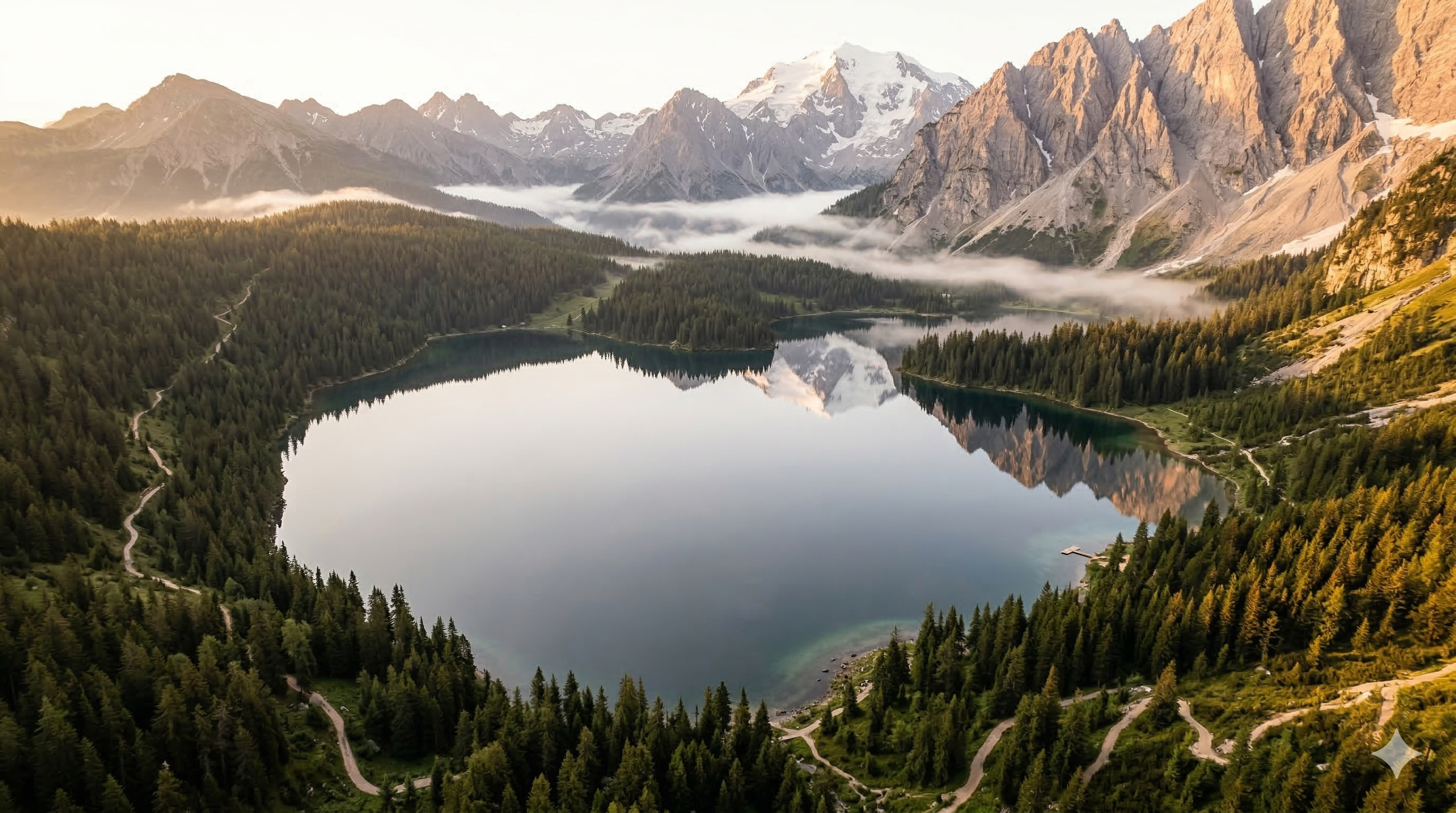
6. crane up (Upward Movement)
Effect: The camera rises vertically — from ground level to an overhead view. The scene's scale is progressively revealed.
When to use: Dramatic reveals, showing a location's scale, transitions to an overview.
Important: Keyframes must reflect both altitudes — Start at ground level, End aerial. Without this consistency, the model doesn't understand the movement.
Motion Prompt:
crane up, mist gently moves across the lake surface, smooth motion, cinematic
| Start Frame (ground) | End Frame (aerial) |
 |  |
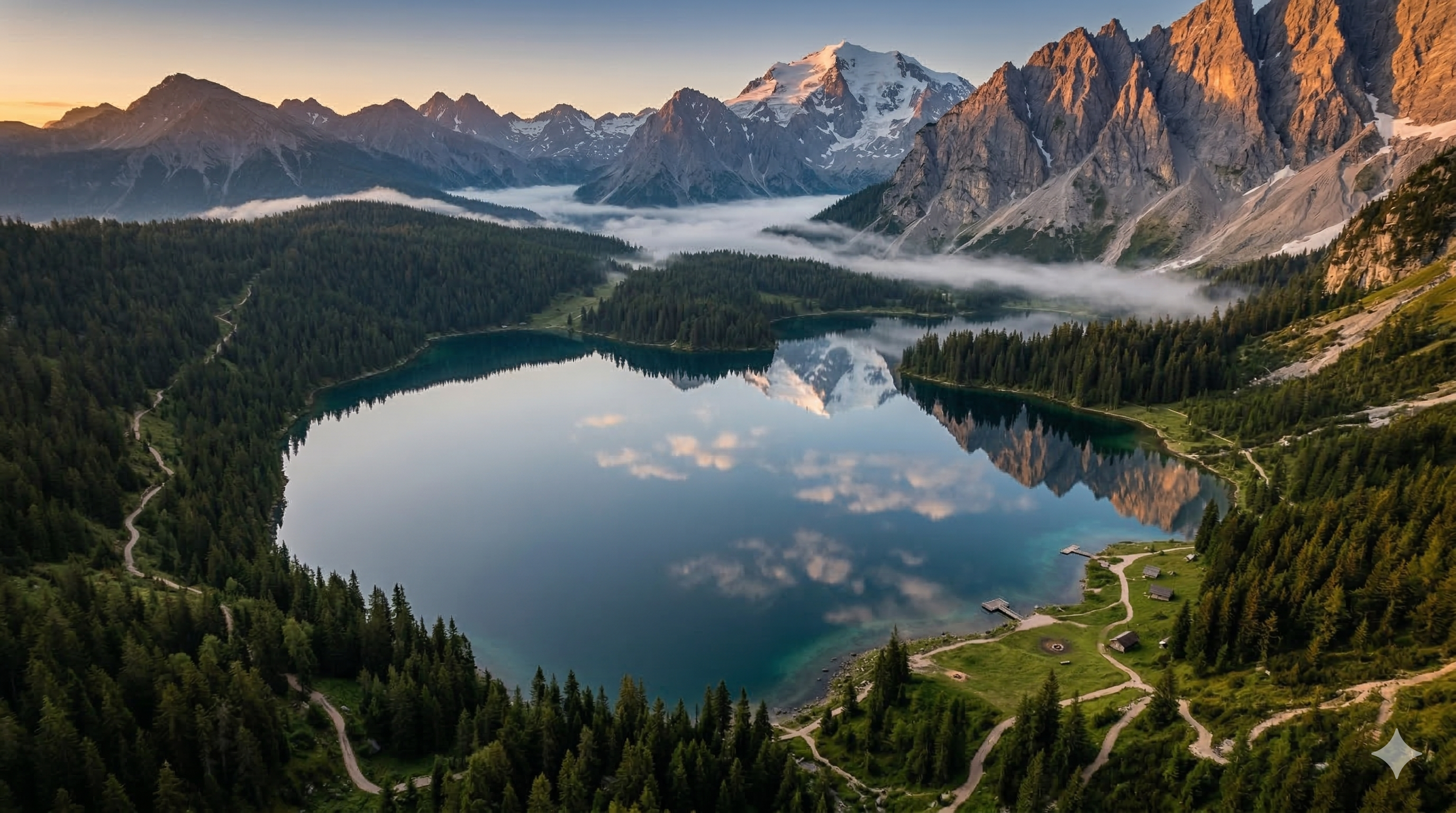
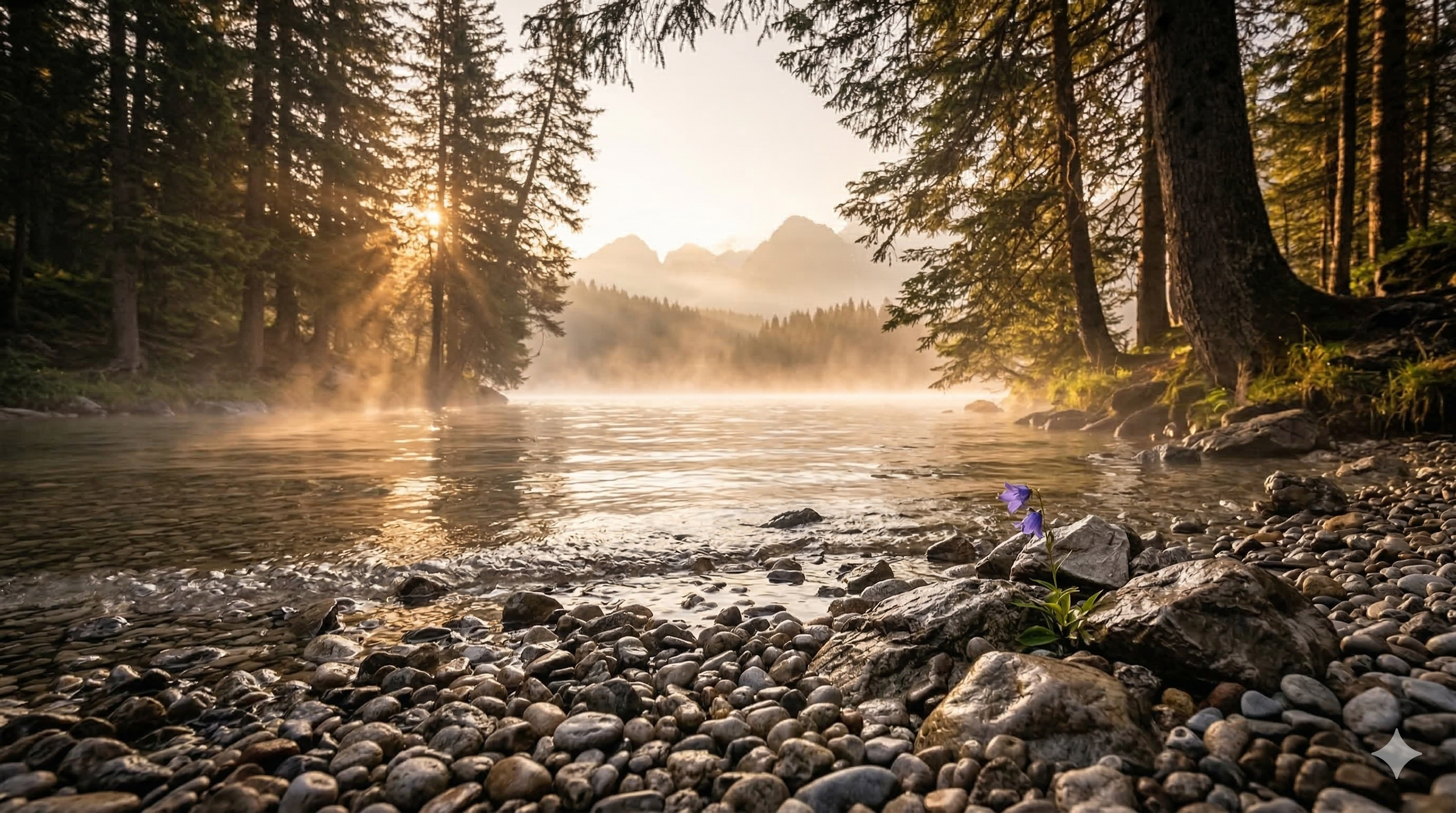
7. crane down (Downward Movement)
Effect: Reverse of crane up. The camera descends from an aerial view to the ground. Landing effect.
When to use: Introduction to a location, focus on a ground-level detail, descending transition.
Motion Prompt:
crane down, mist gently moves across the lake surface, smooth motion, cinematic
| Start Frame (aerial) | End Frame (ground) |
 |  |
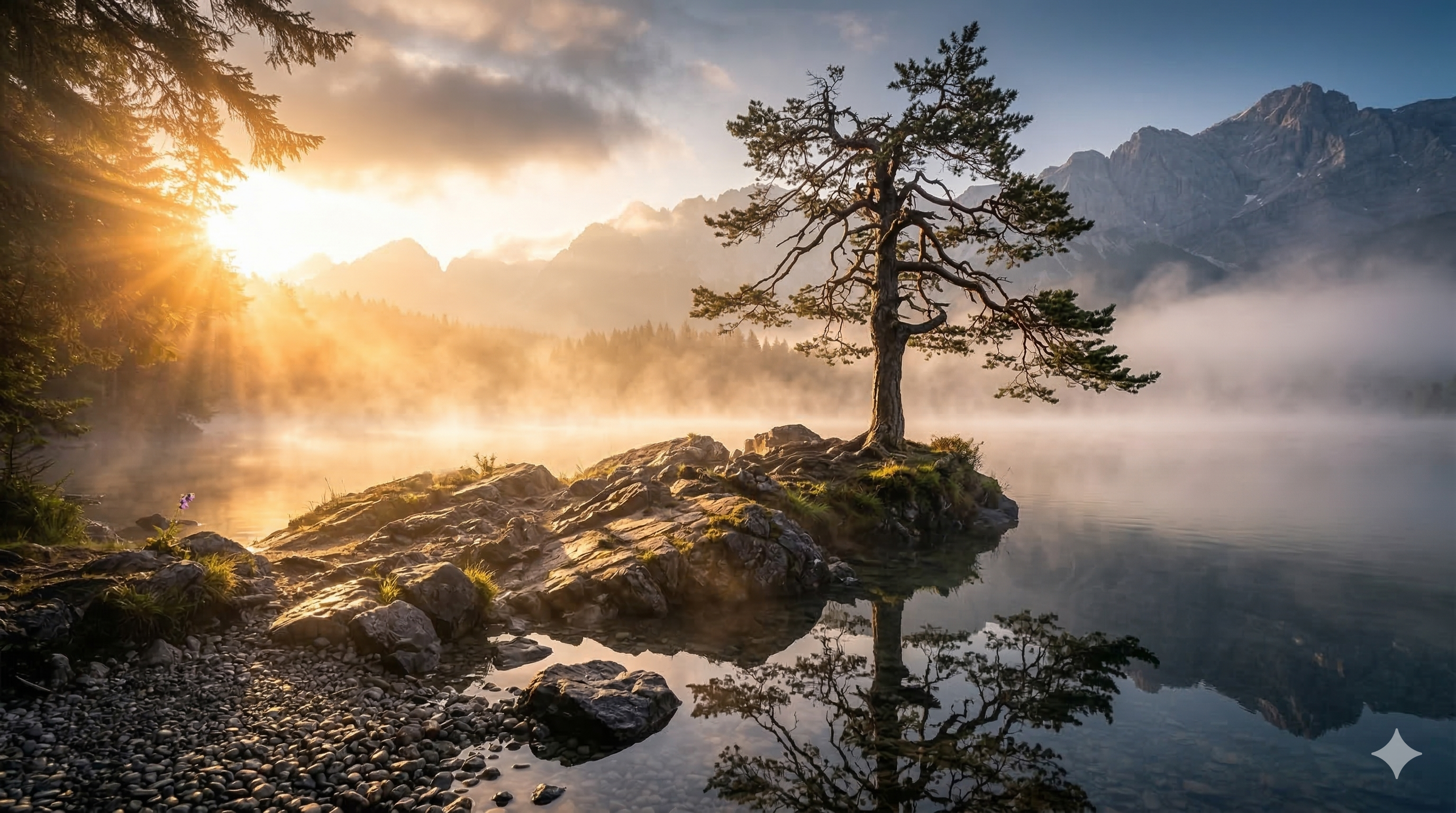
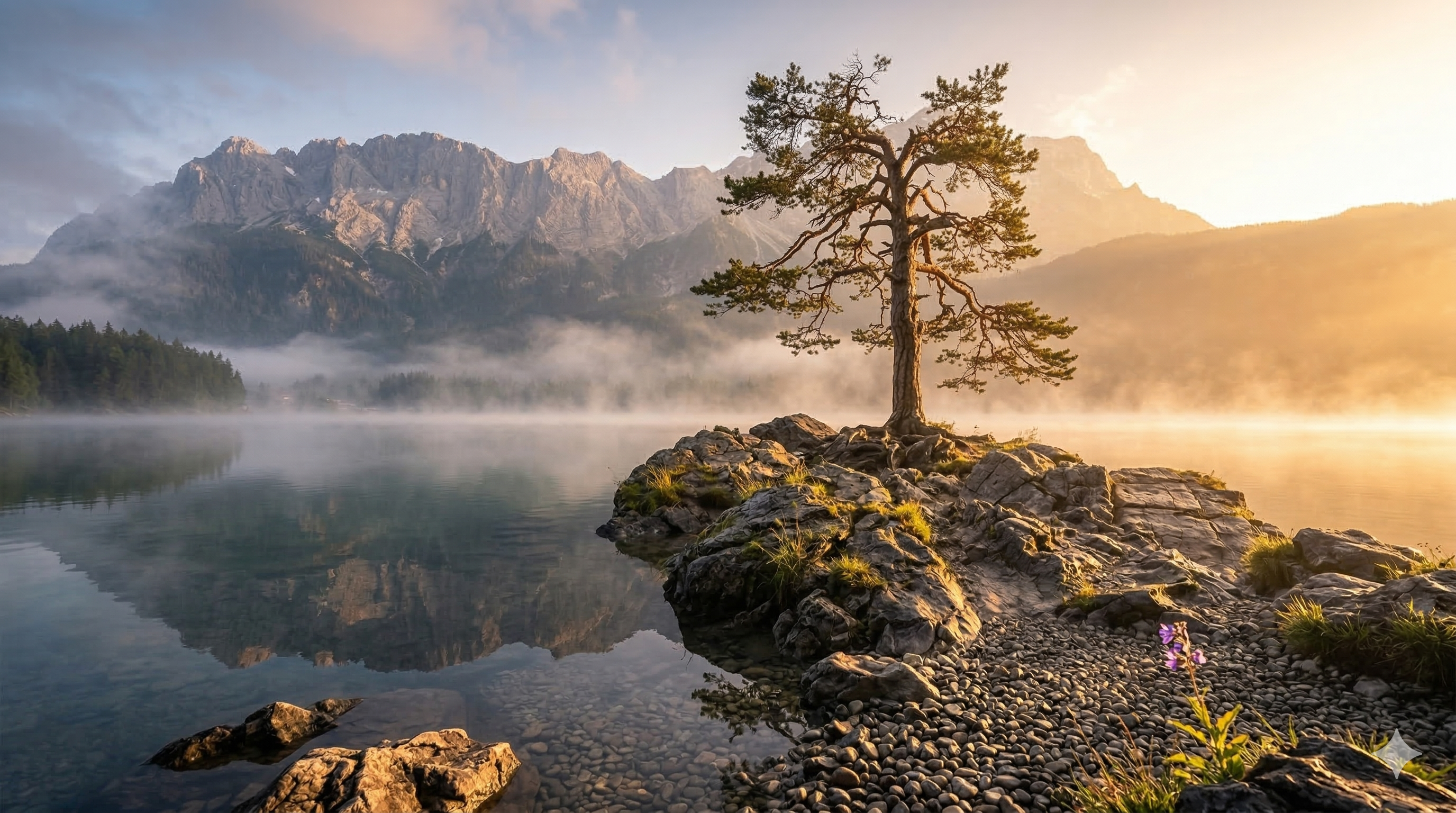
8. orbit around (Orbital Rotation)
Effect: The camera describes an arc around the subject. The subject stays centered while the angle changes. Very cinematic — reminiscent of signature action movie shots.
When to use: Showcasing a character or object, slow "bullet time" effect, presentations.
Tip: For best results, Start/End frames should show the subject from slightly different angles (15-30°).
Motion Prompt:
orbit around, mist gently moves across the lake surface, smooth motion, cinematic
| Start Frame | End Frame |
 |  |
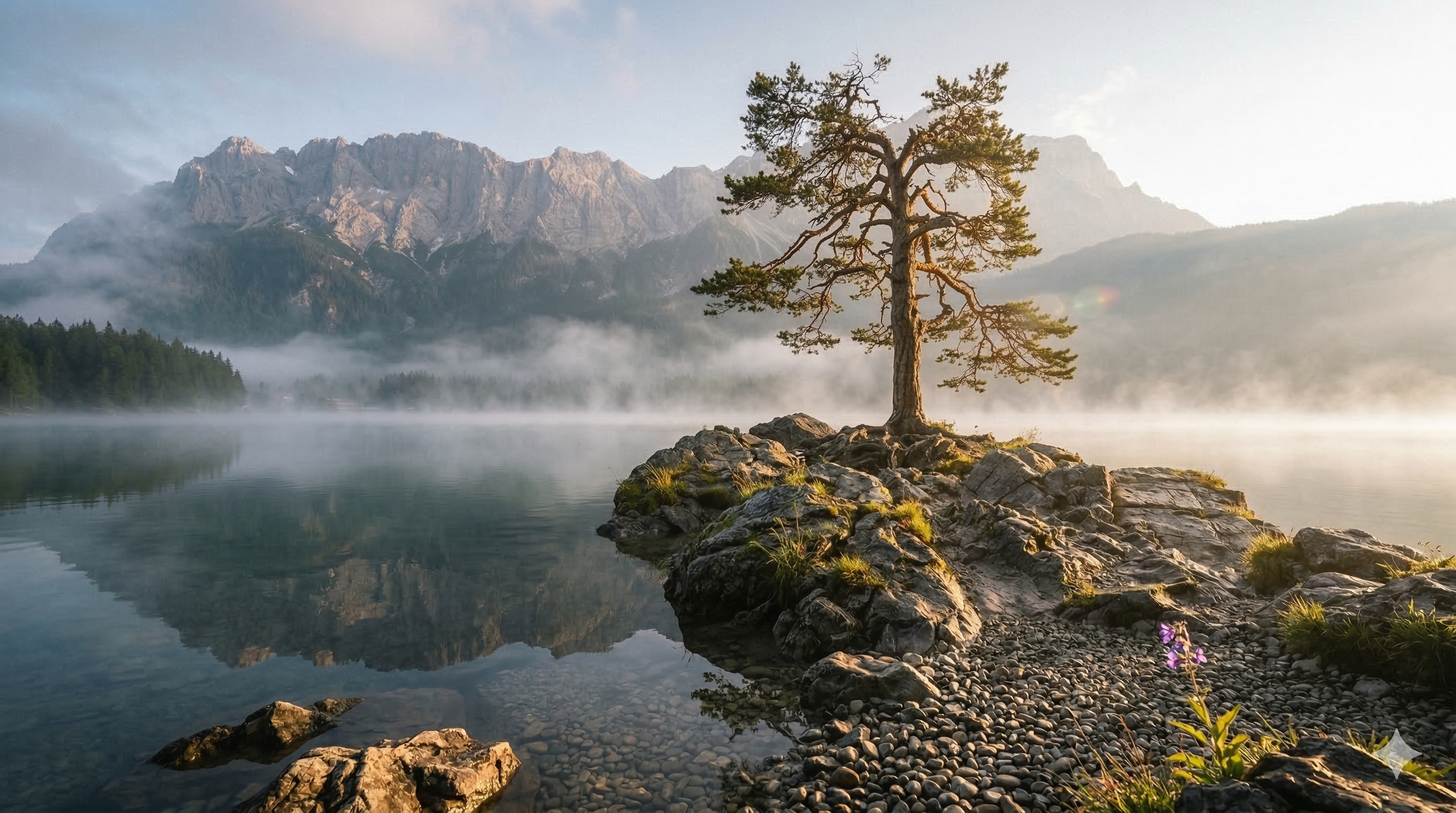
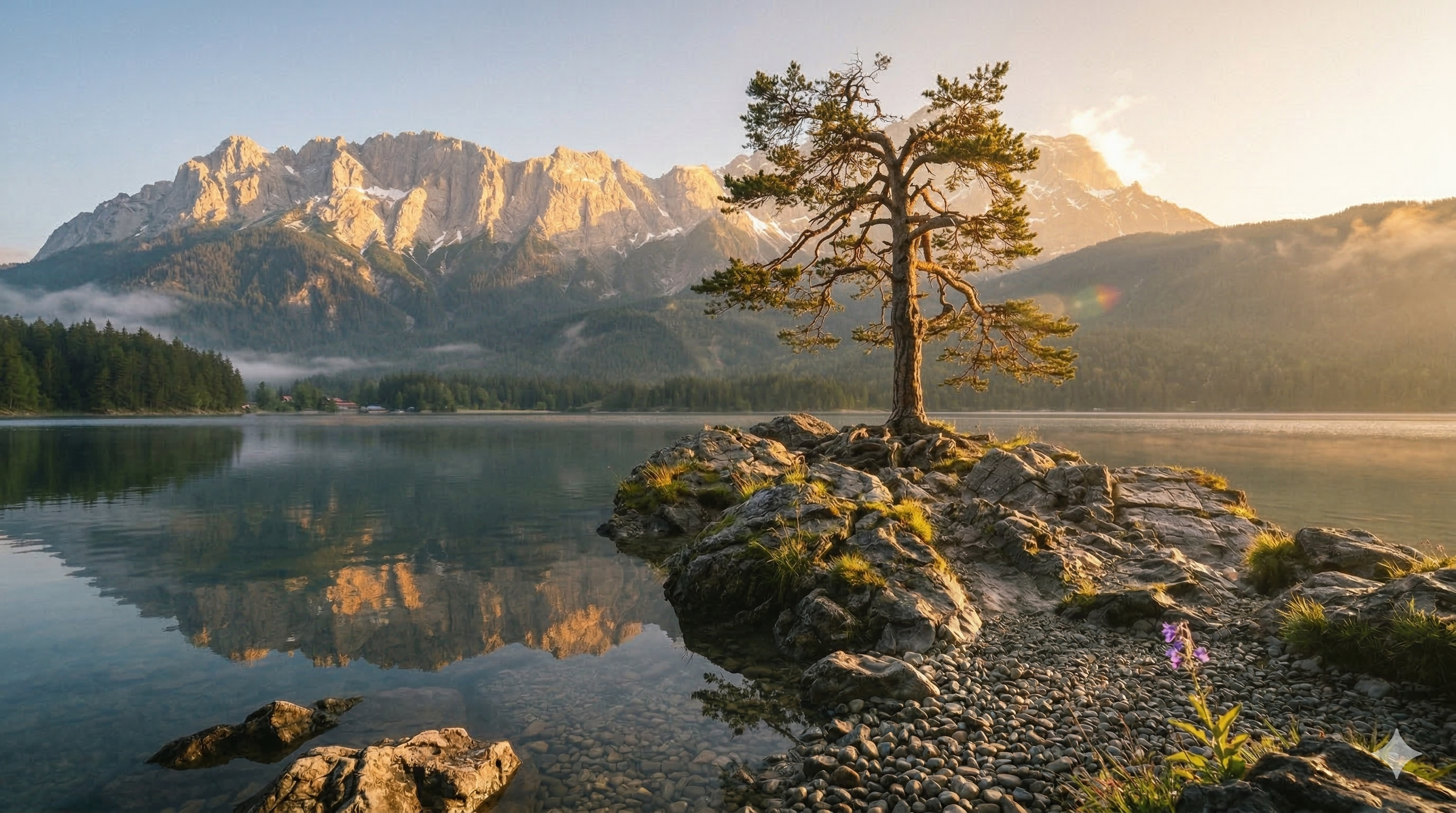
9. handheld (Handheld Camera)
Effect: Micro-tremors in the framing. Simulates the natural instability of a handheld camera. Documentary style, immersive.
When to use: Realism, tension/urgency scenes, reportage style. It's a modifier — it combines with other movements.
Motion Prompt:
handheld, mist gently moves across the lake surface, smooth motion, cinematic
| Start Frame | End Frame |
 |  |
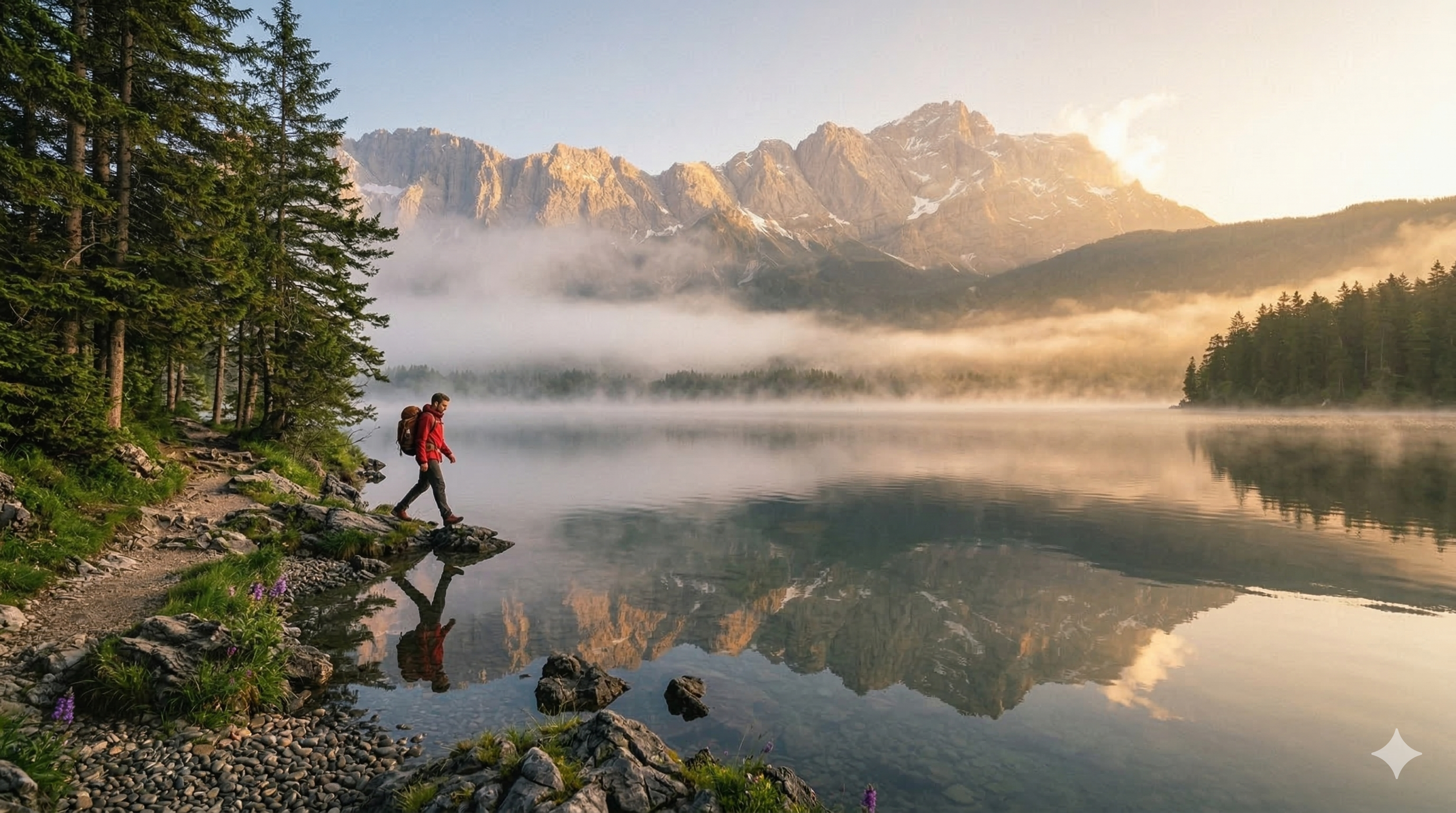
10. smooth tracking shot (Smooth Tracking)
Effect: The camera smoothly follows a moving subject, maintaining its position in the frame. The scenery scrolls in the background.
When to use: Following a walking character, smooth action sequences, travel shots.
Motion Prompt:
smooth tracking shot, mist gently moves across the lake surface, smooth motion, cinematic
| Start Frame |
 |
Summary — Camera Movements
| # | Term | Effect | Risk |
|---|---|---|---|
| 1 | slow push in | Progressive zoom in | ⭐ Low |
| 2 | slow pull back | Zoom out, spatial reveal | ⭐ Low |
| 3 | static camera | Locked frame | ⭐ Very low |
| 4 | dolly left | Left tracking + parallax | ⭐⭐ Medium |
| 5 | dolly right | Right tracking + parallax | ⭐⭐ Medium |
| 6 | crane up | Upward movement | ⭐⭐ Medium |
| 7 | crane down | Downward movement | ⭐⭐ Medium |
| 8 | orbit around | Rotation around subject | ⭐⭐⭐ High |
| 9 | handheld | Realistic micro-tremors | ⭐ Low (modifier) |
| 10 | smooth tracking shot | Smooth subject tracking | ⭐⭐ Medium |
Tips:
- One camera movement per clip to avoid artifacts
orbit aroundrequires start/end frames from different angleshandheldis a modifier — add it to another movement
Actions and Transitions 🔄
Action terms describe what changes in the scene between the two keyframes. This is the narrative core of each clip. Each action was tested with a fixed camera (static camera) to isolate its effect.
☝️ Overview of actions and transitions on the lake scene
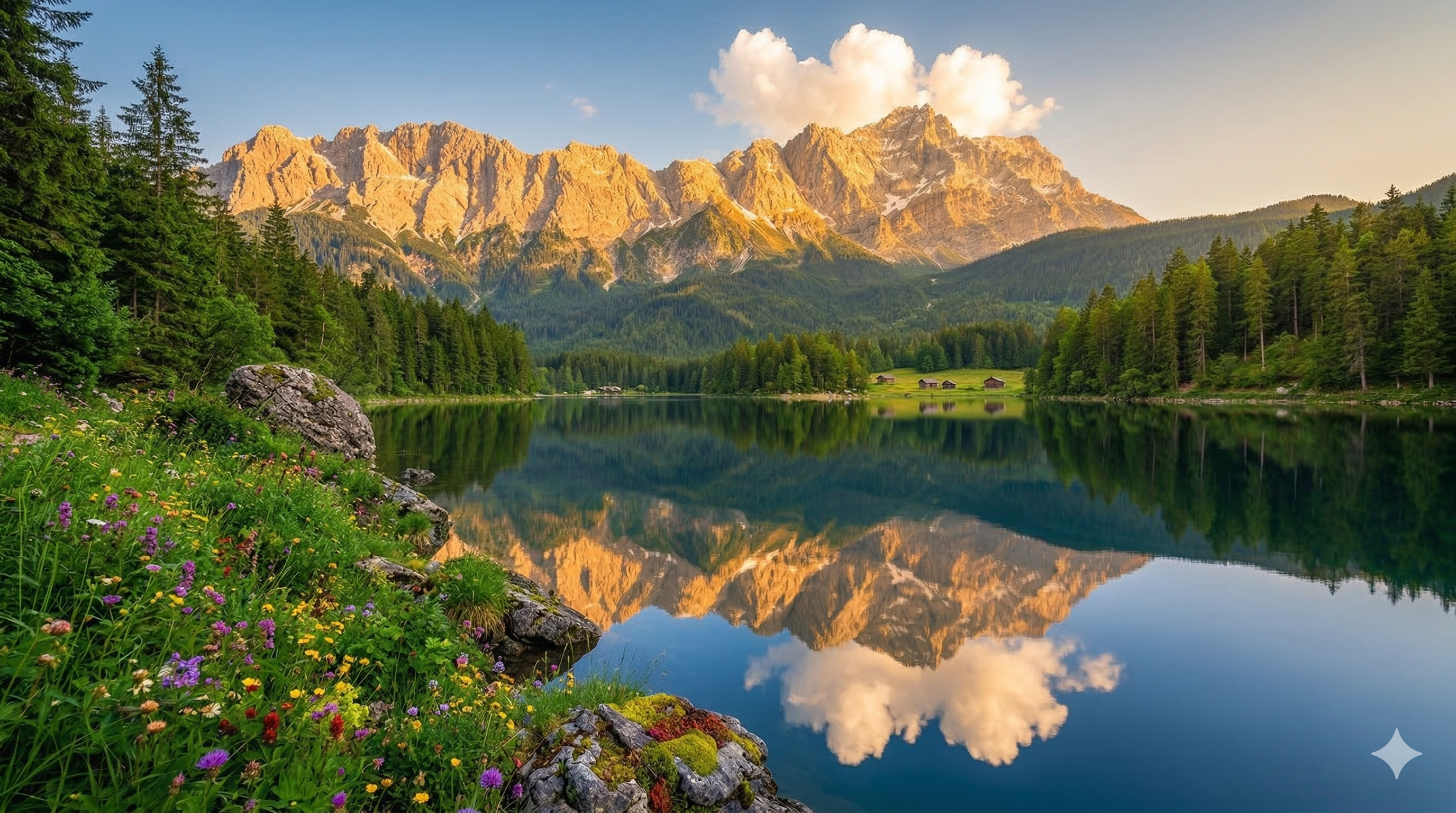
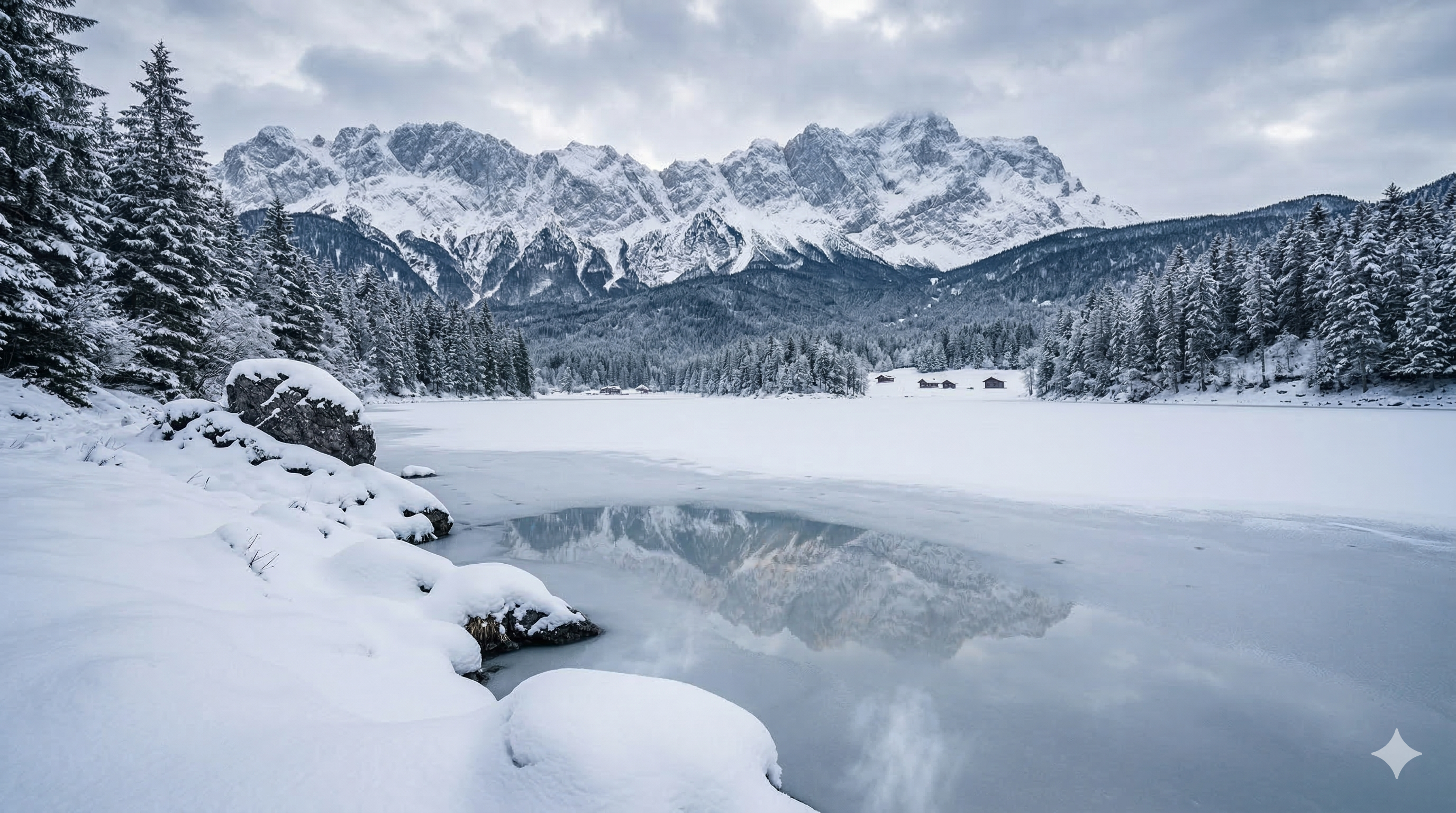
1. gradually transforms into (Morphing)
Effect: Image A deforms pixel by pixel to become image B. An organic transition between two visual states. The model finds correspondence points and progressively deforms.
When to use: Season changes, aging, material transformation, magical effects.
Key tip: Morphing works MUCH better when both frames share the same composition (same angle, same subject). Only the state changes.
Motion Prompt:
static camera, the lake scene gradually transforms into, smooth motion, cinematic
| Start Frame (summer) | End Frame (winter) |
 |  |
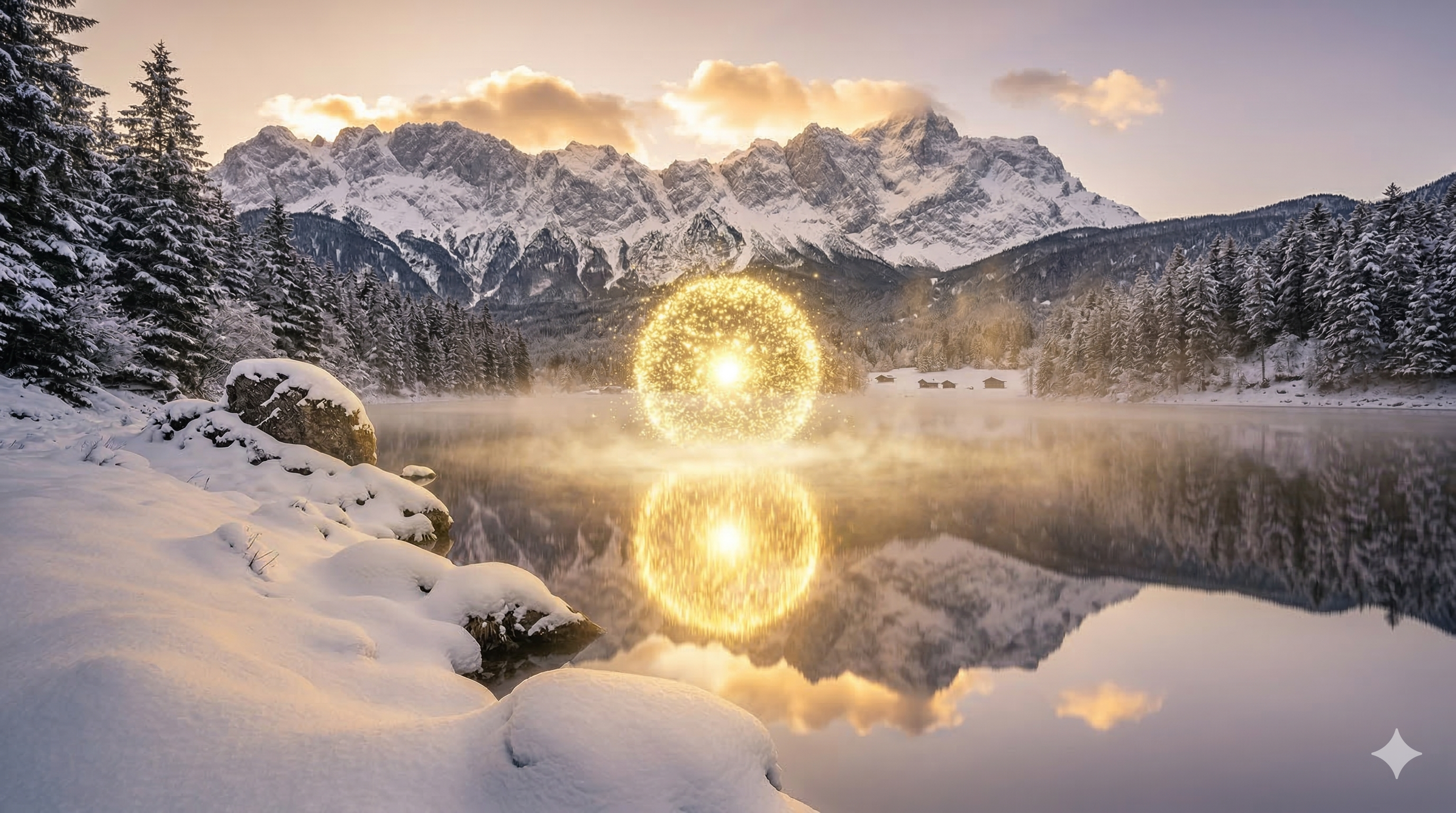
2. particles scatter (Particle Dispersion)
Effect: Particles (light, dust, sparks) appear and scatter in all directions. Dissolution effect, released energy.
When to use: Soft explosions, poetic disintegration, snow/pollen effects, magical moments.
Motion Prompt:
static camera, the lake scene particles scatter, smooth motion, cinematic
| Start Frame | End Frame |
 |  |
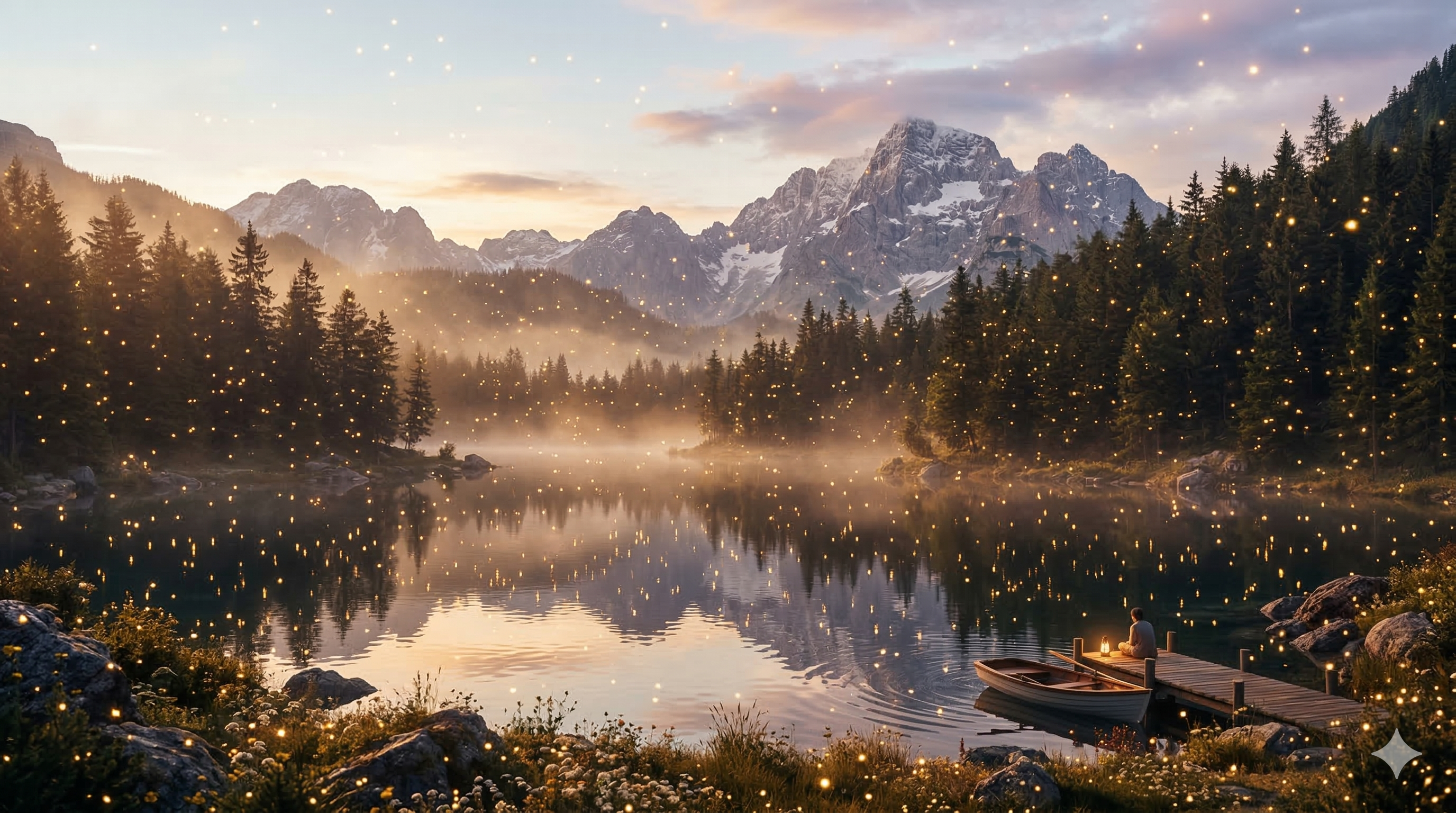
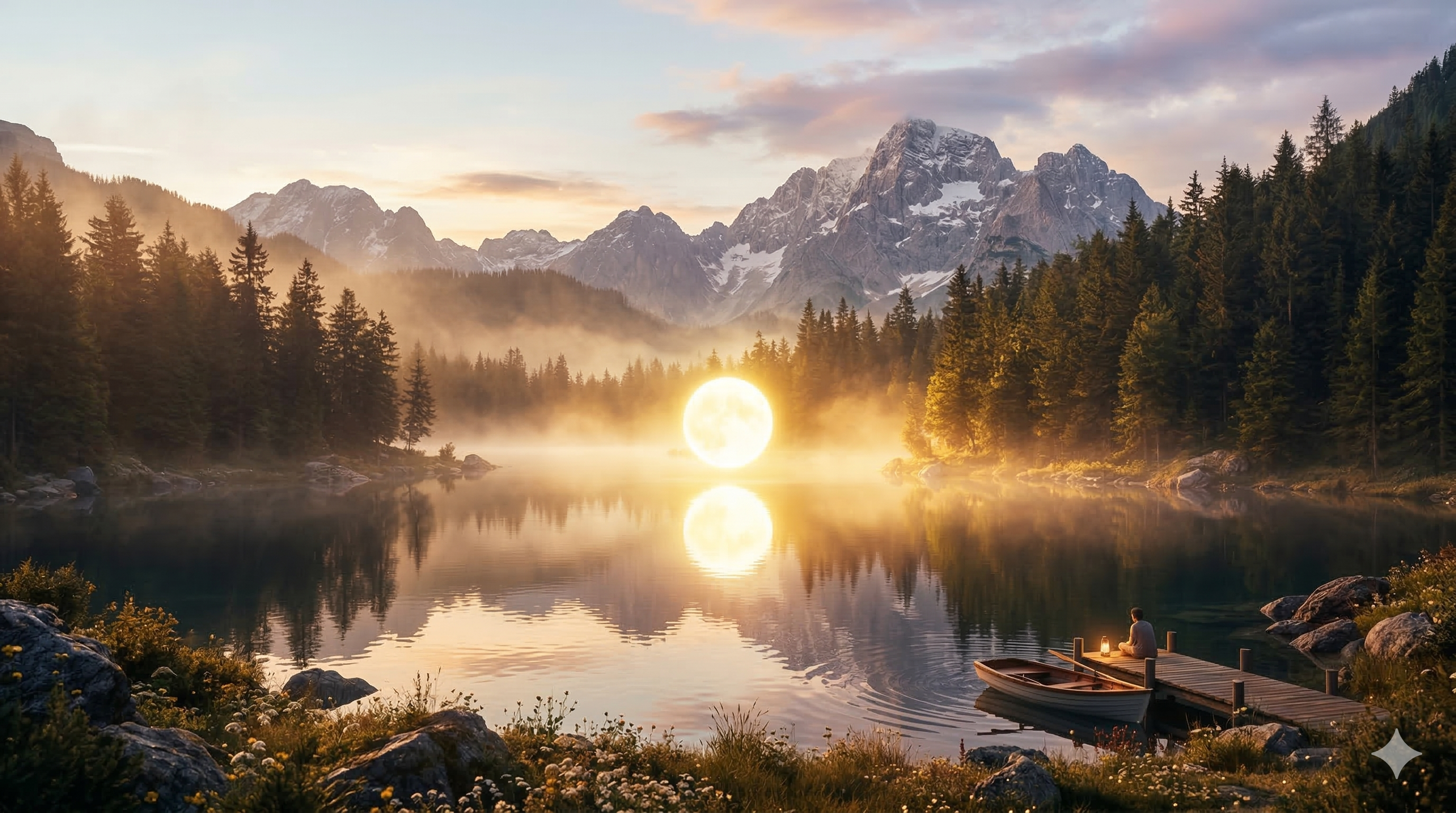
3. particles converge (Particle Convergence)
Effect: Reverse of scatter — dispersed particles converge to a central point. Assembly effect, materialization.
When to use: Object appearance, materialization, energy concentration, shape formation.
Motion Prompt:
static camera, the lake scene particles converge, smooth motion, cinematic
| Start Frame | End Frame |
 |  |
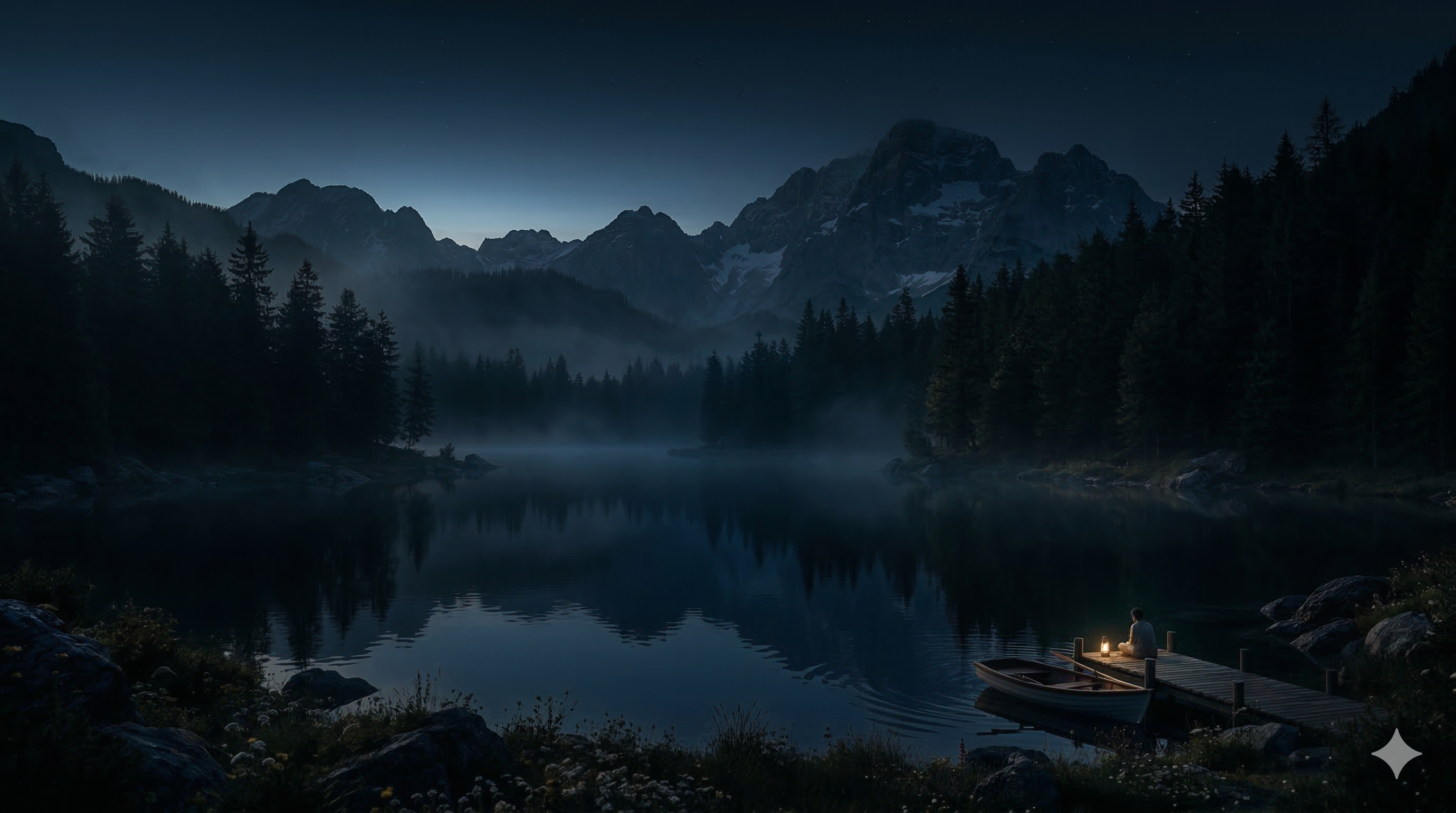
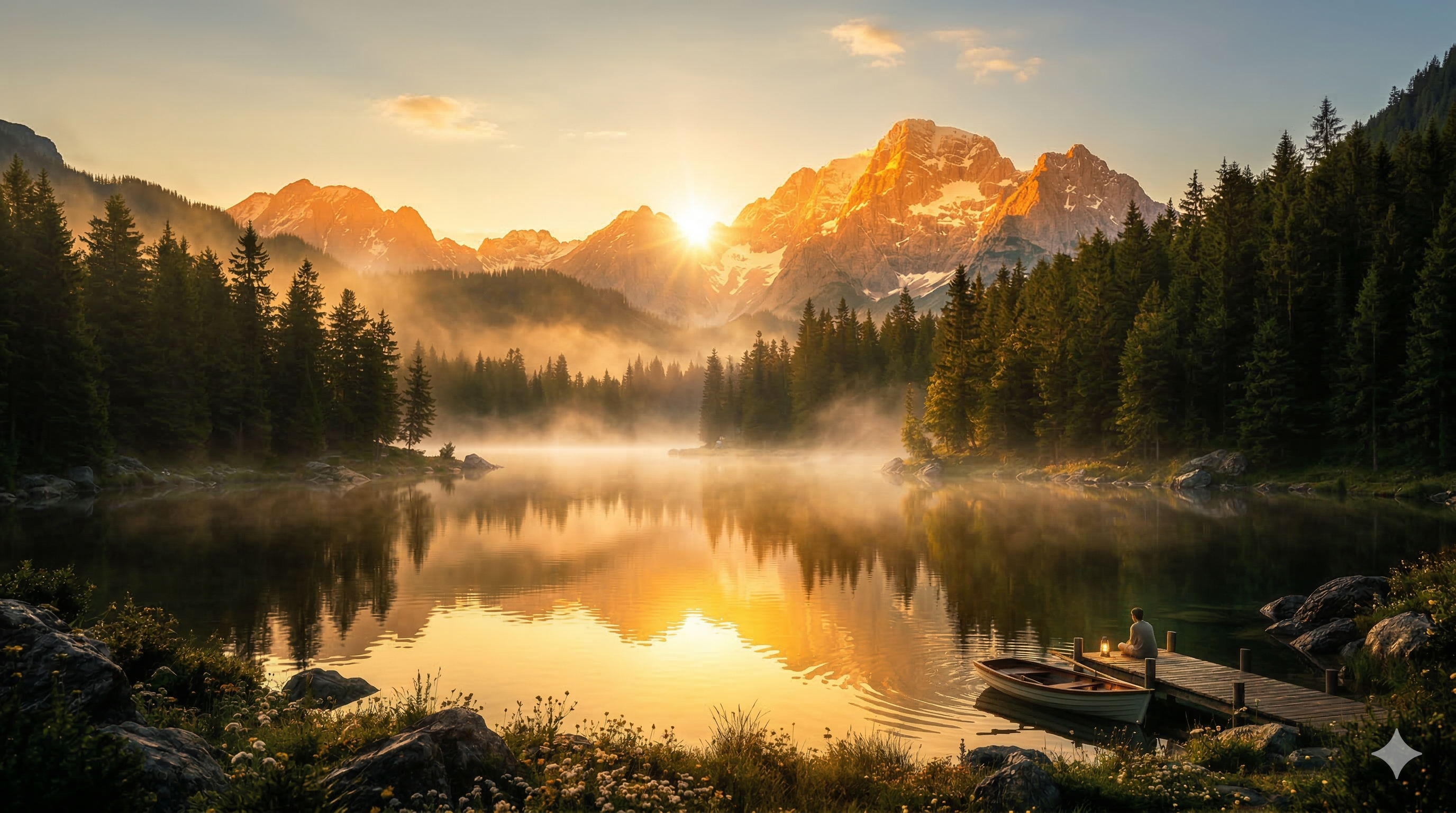
4. light intensifies (Light Rise)
Effect: Scene brightness increases progressively. Transition from darkness to light. Sunrise, illumination effect.
When to use: Sunrise, luminous reveal, climax moments, night → day transition.
Note: Keyframes are adjusted — Start is dark (pre-dawn) and End is bright. This consistency is essential.
Motion Prompt:
static camera, the lake scene light intensifies, smooth motion, cinematic
| Start Frame (dark) | End Frame (bright) |
 |  |
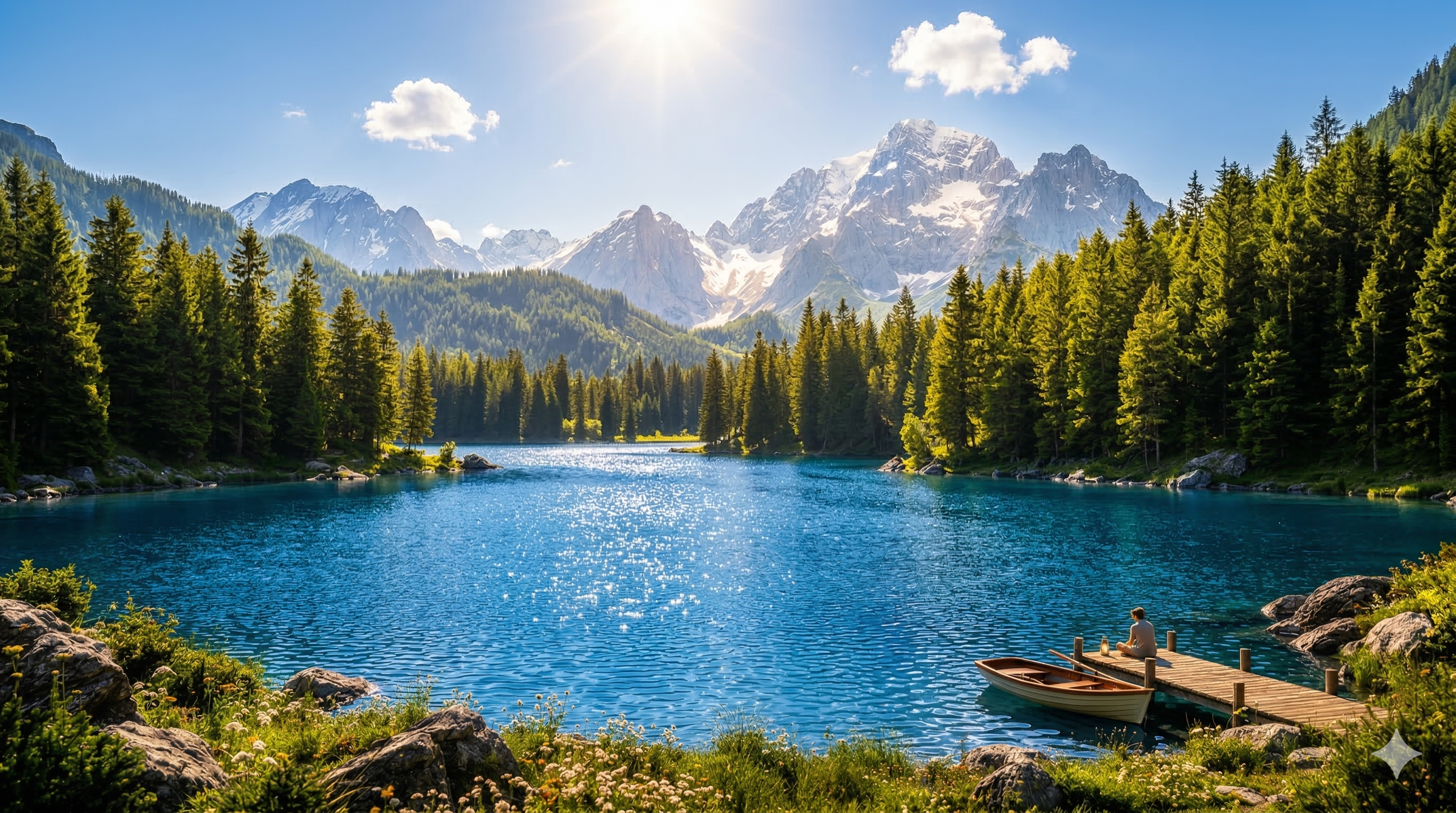
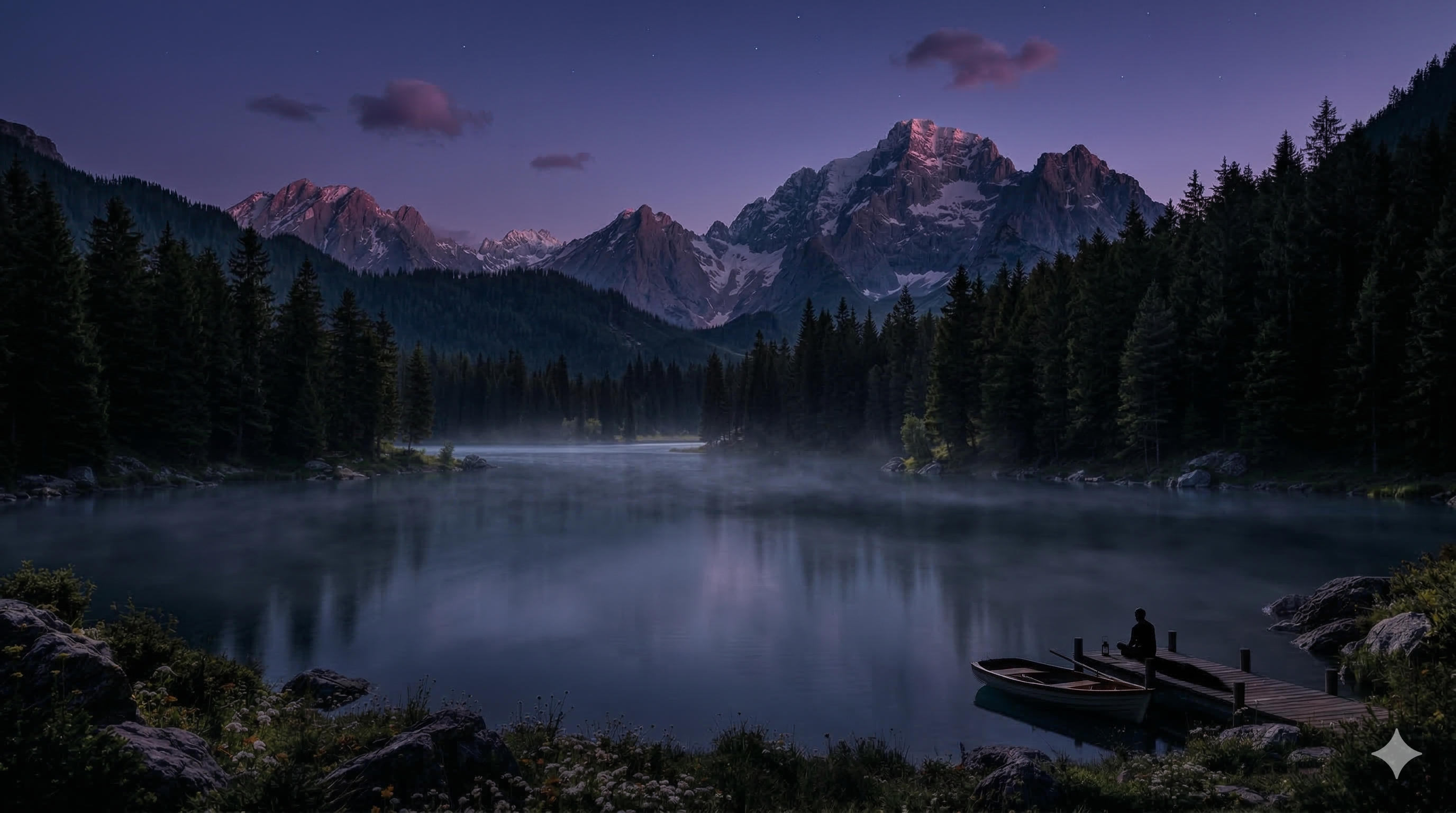
5. light fades (Light Decline)
Effect: Lighting progressively decreases. The scene darkens, shadows lengthen. Sunset effect.
When to use: Sunset, end of sequence, entering a dark place, descent into mystery.
Motion Prompt:
static camera, the lake scene light fades, smooth motion, cinematic
| Start Frame (bright) | End Frame (dark) |
 |  |
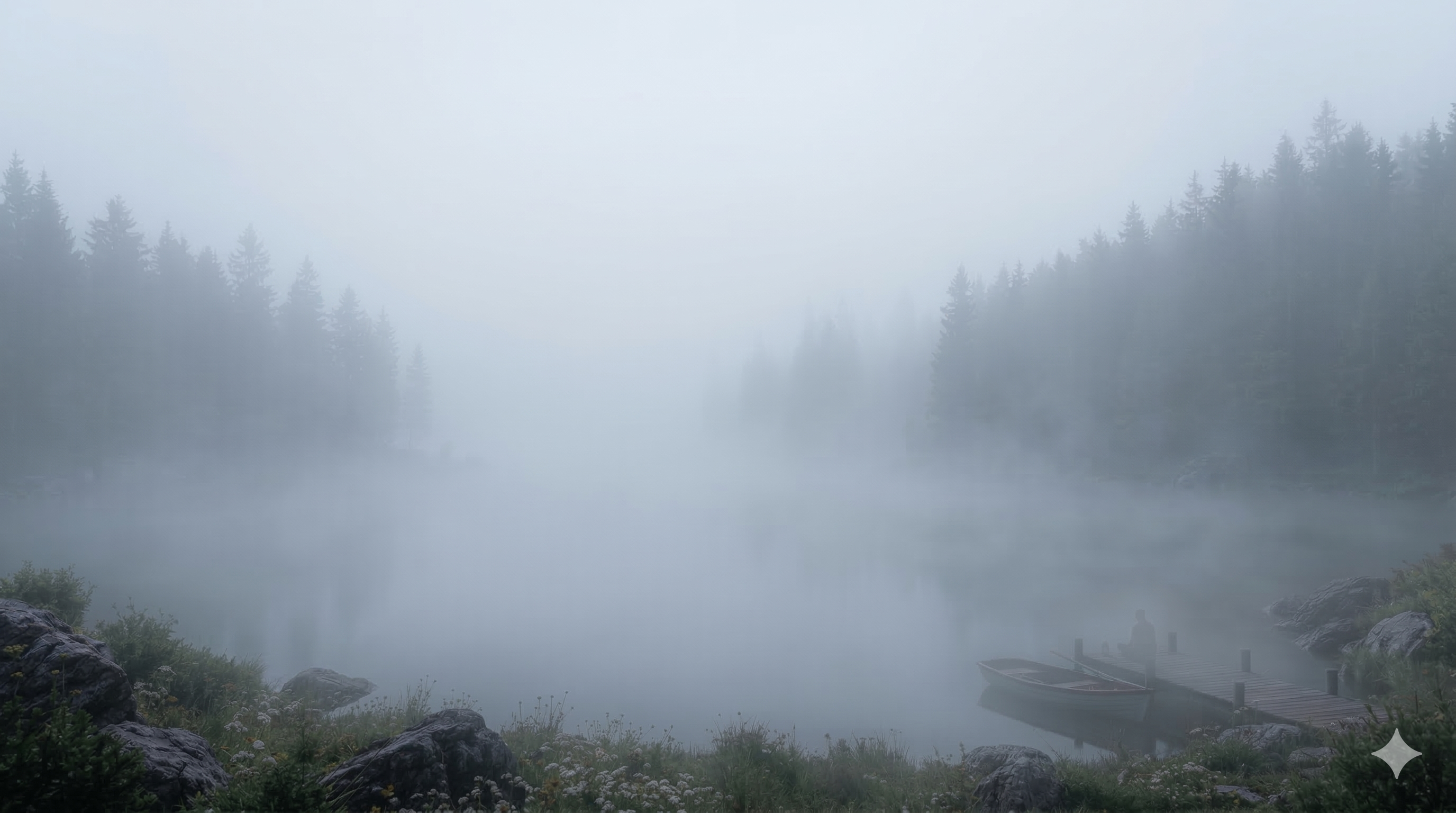
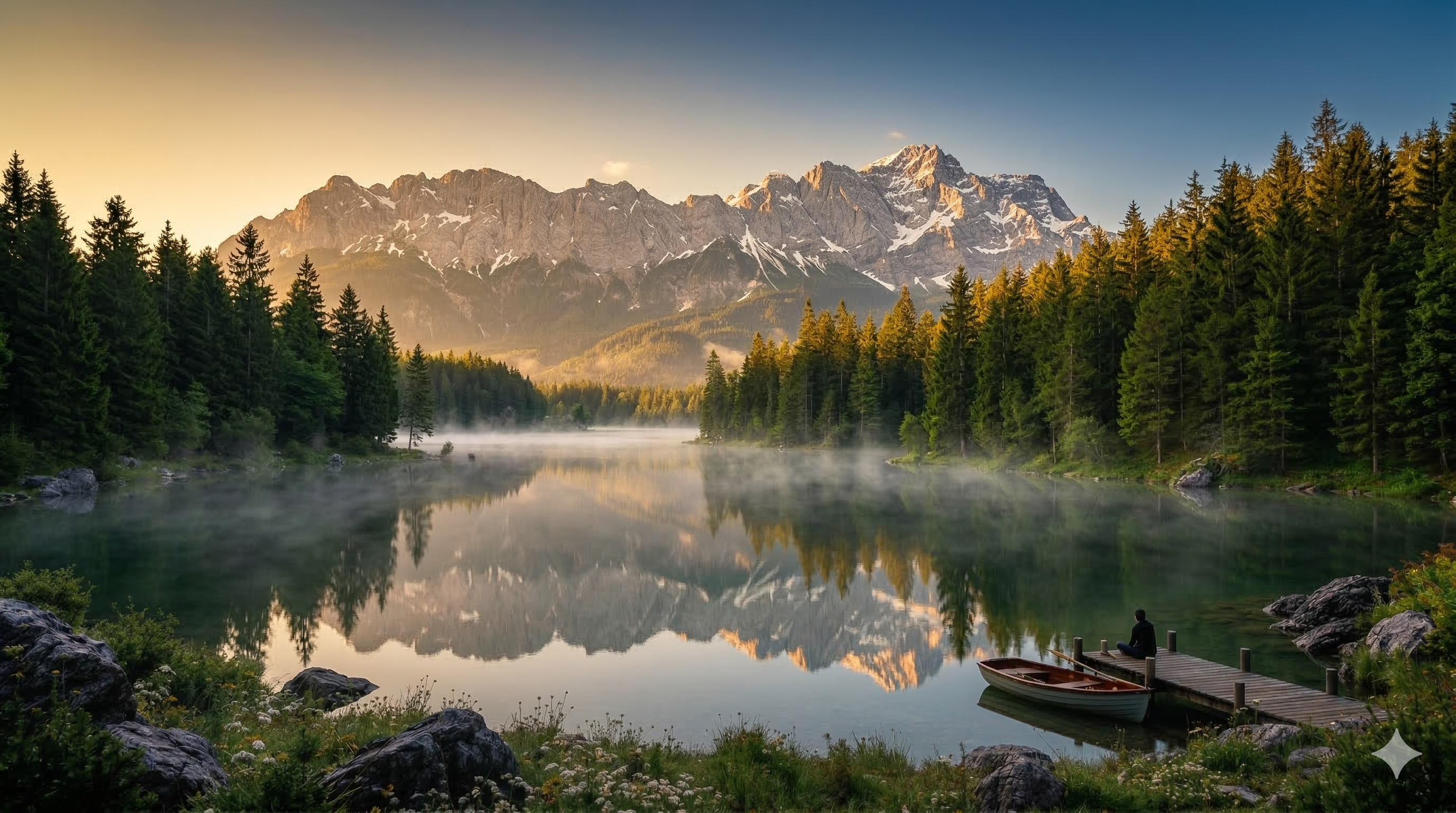
6. reveals (Reveal)
Effect: A hidden element appears progressively. The mist lifts, the shadow recedes — and something is unveiled. Creates narrative suspense.
When to use: Mystery reveal, character introduction, location discovery.
Motion Prompt:
static camera, the lake scene reveals, smooth motion, cinematic
| Start Frame | End Frame |
 |  |
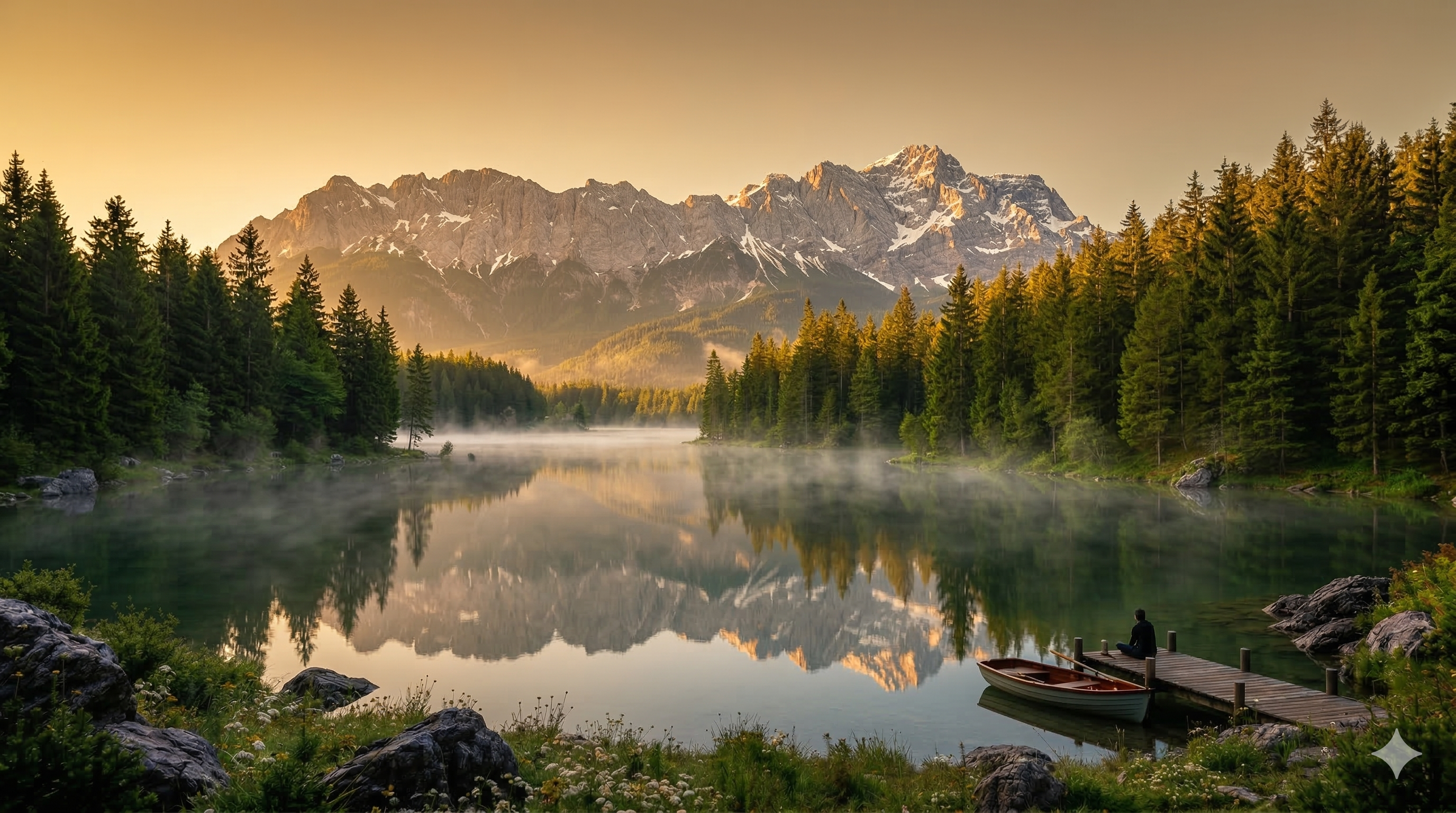
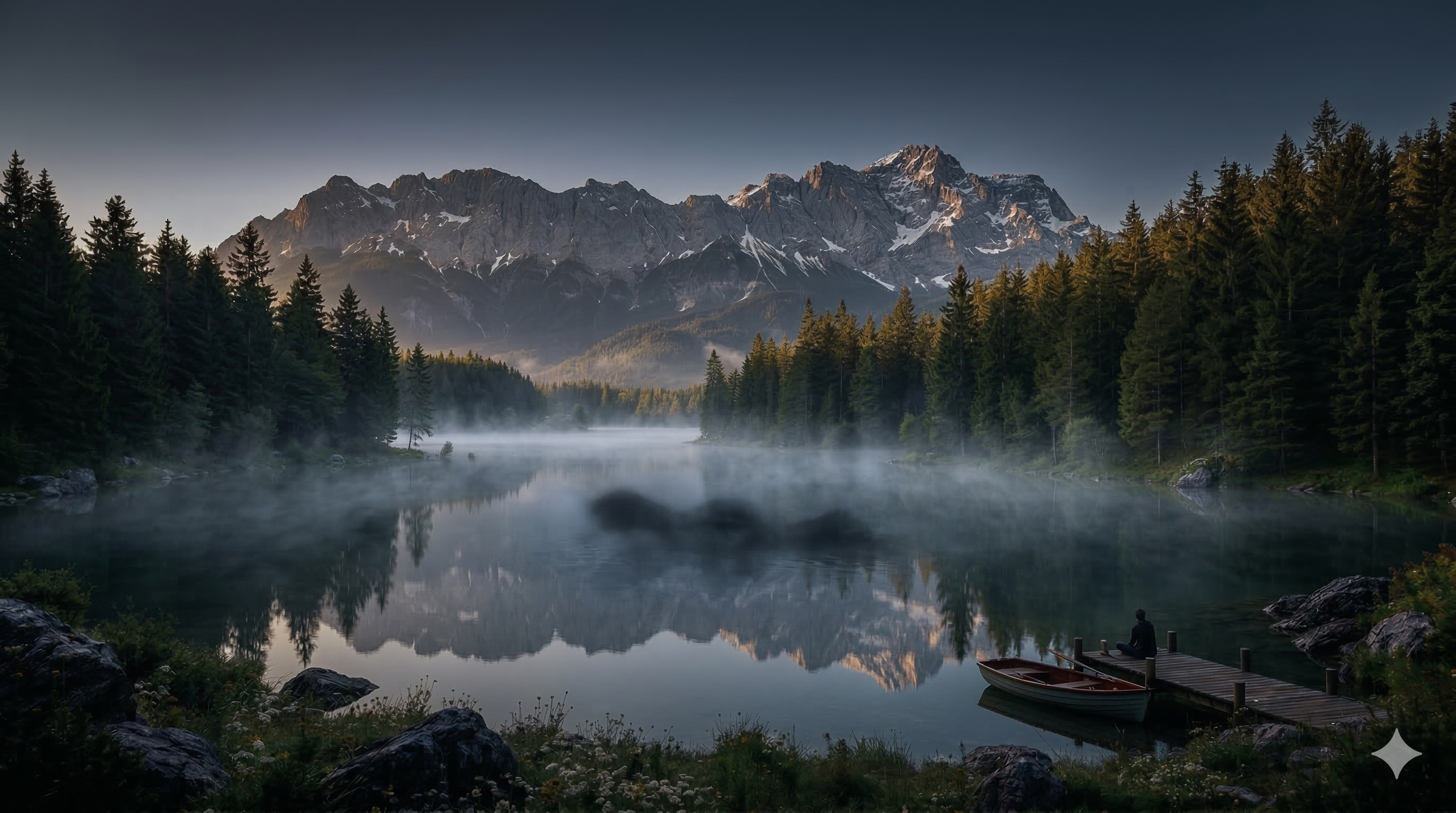
7. dissolves into (Cross Dissolve)
Effect: Image A becomes semi-transparent while image B emerges underneath. The classic cinematic cross dissolve, reinterpreted by AI.
When to use: Time transitions, dream passages, location changes. The safest for connecting two very different images.
Motion Prompt:
static camera, the lake scene dissolves into, smooth motion, cinematic
| Start Frame | End Frame |
 |  |
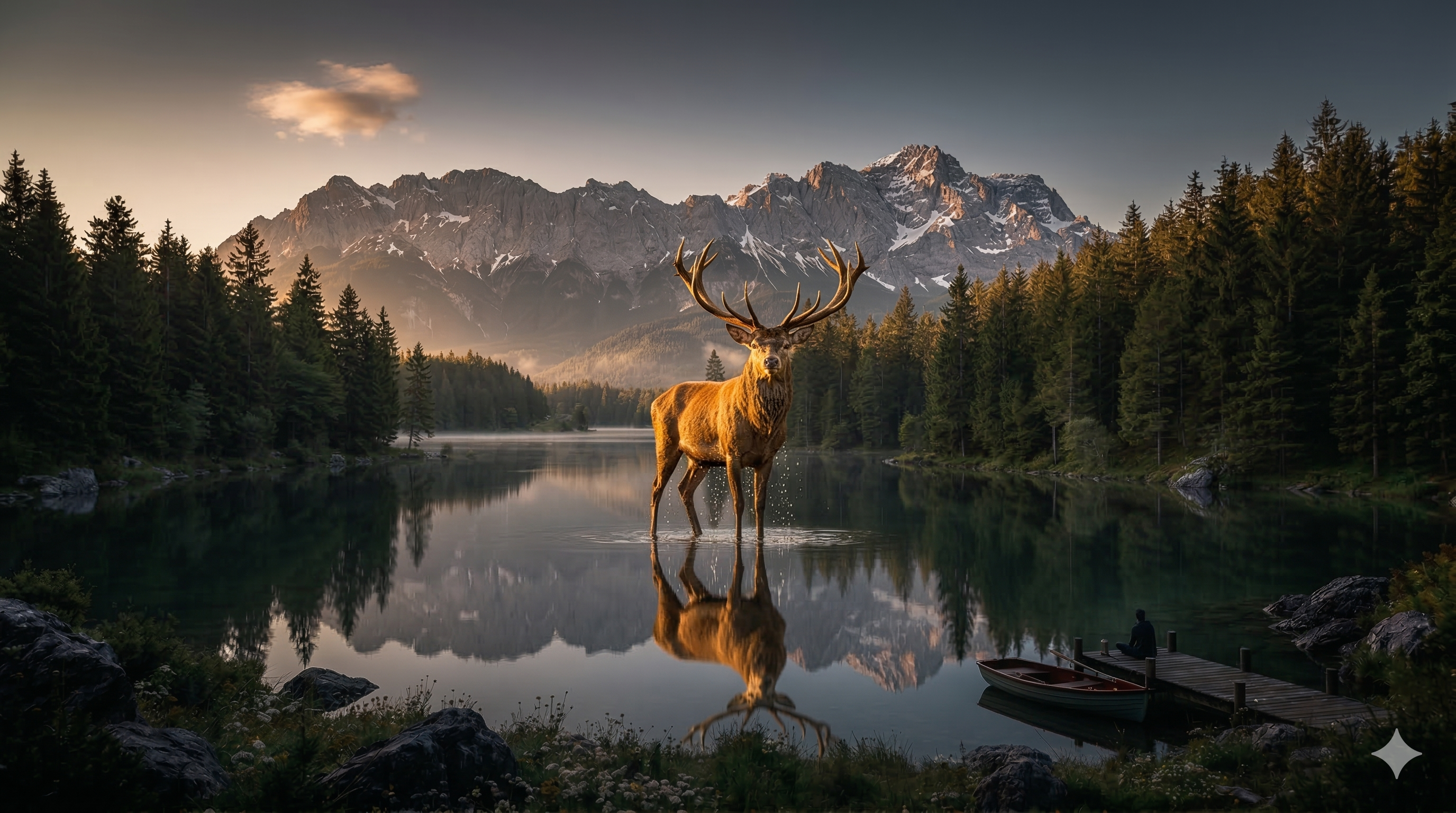
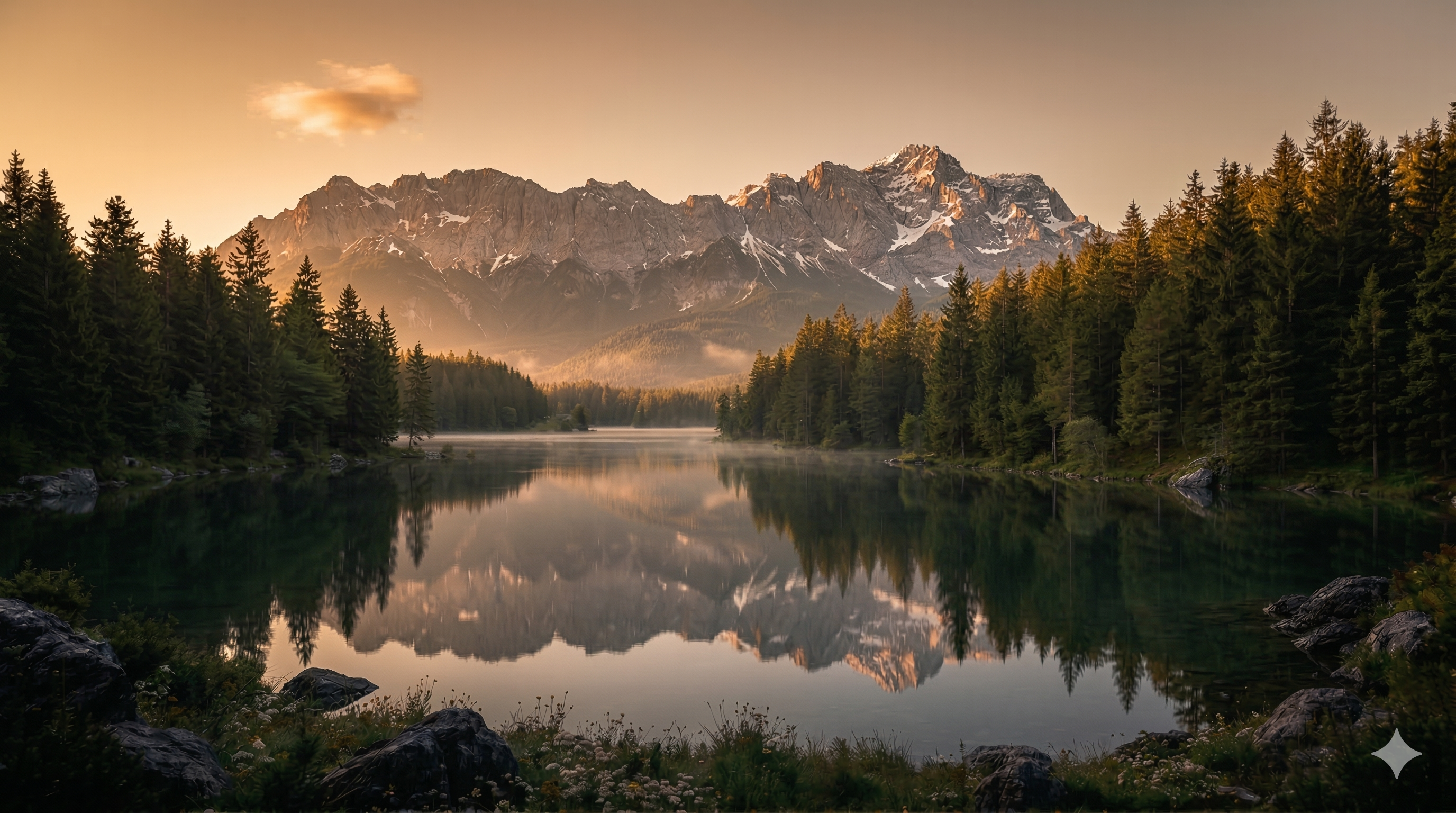
8. emerges from (Emergence)
Effect: A subject gradually comes out of an environment — emerging from water, mist, shadow. Very dramatic effect.
When to use: Character appearances, births, crisis resolution, rebirth moments.
Motion Prompt:
static camera, the lake scene emerges from, smooth motion, cinematic
| Start Frame | End Frame |
 |  |
9. ripple effect (Ripple)
Effect: Concentric ripples distort the image, like a stone thrown into a water mirror.
When to use: Aquatic transitions, emotional shock effects, reality distortions, dreamlike moments.
Motion Prompt:
static camera, the lake scene ripple effect, smooth motion, cinematic
| Start Frame | End Frame |
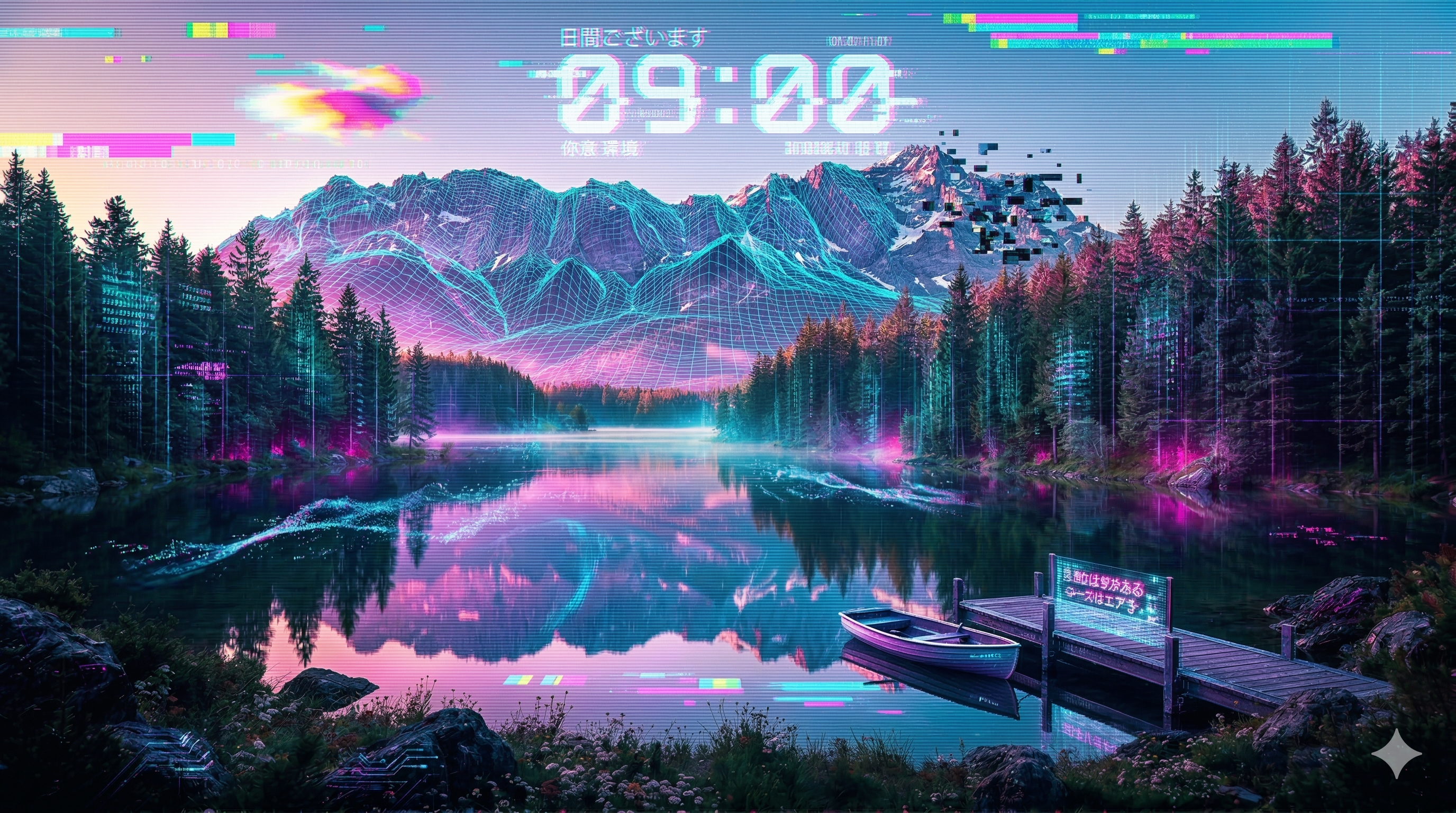 |  |
10. glitch transition (Digital Distortion)
Effect: Digital artifacts — distortion bands, broken pixels, RGB shifts, fragmentation. The clip visually "glitches." Very stylized.
When to use: Cyberpunk/tech style, music clips, brutal transitions, narrative ruptures.
⚠️ Warning: The riskiest term — the model may over-interpret and produce chaotic results.
Motion Prompt:
static camera, the lake scene glitch transition, smooth motion, cinematic
| Start Frame | End Frame (cyberpunk) |
 |  |
Summary — Actions and Transitions
| # | Term | Effect | Risk |
|---|---|---|---|
| 1 | gradually transforms into | Morphing between two states | ⭐⭐ Medium |
| 2 | particles scatter | Particle dispersion | ⭐ Low |
| 3 | particles converge | Convergence to a point | ⭐ Low |
| 4 | light intensifies | Progressive light rise | ⭐ Low |
| 5 | light fades | Progressive dimming | ⭐ Low |
| 6 | reveals | Progressive unveiling | ⭐⭐ Medium |
| 7 | dissolves into | Cross dissolve | ⭐ Very low |
| 8 | emerges from | Subject emergence | ⭐⭐ Medium |
| 9 | ripple effect | Concentric ripples | ⭐⭐ Medium |
| 10 | glitch transition | Digital artifacts | ⭐⭐⭐ High |
Tips:
gradually transforms intoworks best when frames share the same compositiondissolves intois the safest for connecting very different imagesglitch transitionis the riskiest — the model may over-interpret
Coming Up...
In Part 2, we explore atmosphere and mood terms (cinematic lighting, dreamlike, volumetric fog...), speed controls, and especially composite combinations — when you mix camera, action, mood and rhythm in a single prompt.
Platform: ElevenLabs Image & Video — Model: Seedance 1.5 Pro — Scene: Mountain lake at dawn